

Artificial Intelligence is no longer a future concept.
AI in Design & Development is already shaping how websites, apps, and digital products are created today.
From UI design to coding and testing, AI tools are helping teams work faster, smarter, and with fewer errors—without replacing human creativity.
In this guide, you’ll learn:
- What AI in design & development really means
- How designers and developers use AI in real projects
- Benefits, challenges, and best practices
- How to adopt AI safely and effectively
What Is AI in Design & Development?
AI in Design & Development refers to using artificial intelligence tools to assist with:
- Visual design and UI/UX workflows
- Product ideation and prototyping
- Writing, reviewing, and testing code
- Improving performance and user experience
Instead of starting everything from scratch, professionals now use AI to generate ideas, automate repetitive tasks, and analyze data faster.
Important: AI supports humans—it does not replace them.
Why AI in Design & Development Matters
Digital products are becoming more complex. Users expect:
- Faster loading websites
- Personalized experiences
- Clean design and smooth interactions
AI in design & development helps teams meet these expectations by reducing manual effort and improving decision-making.
Key reasons AI matters today:
- Faster design and development cycles
- Better consistency across products
- Improved user experience through data insights
- Reduced workload on repetitive tasks
How AI Is Changing Design Workflows
AI as a Design Assistant
Designers no longer start with a blank canvas.
With AI in design & development, they can:
- Generate multiple layout ideas instantly
- Experiment with colors, typography, and spacing
- Create wireframes from text descriptions
- Adapt designs for different devices and users
This allows designers to focus more on creativity and problem-solving.
AI in UI and UX Design
AI in UI UX design helps teams understand how users behave.
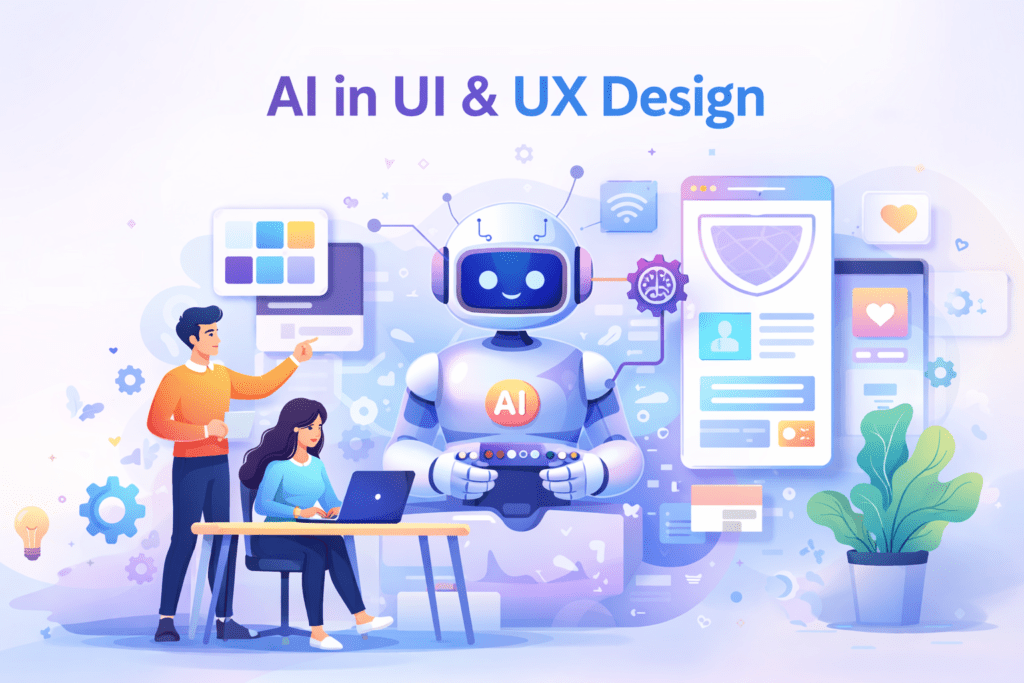
Common uses include:
- Identifying where users drop off
- Suggesting improvements in navigation
- Personalizing content based on behavior
- Improving accessibility and readability
AI analyzes large amounts of user data—something humans can’t do easily on their own.
How AI Supports Development Work
AI Code Assistants
In software development, AI acts like a helpful coding partner.
AI in design and development supports developers by:
- Suggesting code as they type
- Writing repetitive or boilerplate code
- Detecting errors early
- Generating documentation and comments
This saves time and improves code quality.
AI Across the Development Lifecycle
AI doesn’t stop at coding. It helps throughout the entire process:
- Planning: Summarizing requirements and feedback
- Development: Writing and improving code
- Testing: Creating test cases automatically
- Monitoring: Analyzing logs and performance
This makes development more efficient and reliable.
Benefits of AI in Design & Development
Using AI in design & development offers clear advantages:
- Faster experimentation and iteration
- Higher-quality design and code
- Better personalization for users
- Reduced manual and repetitive work
- Shorter time from idea to launch
When used properly, AI improves productivity without sacrificing originality.
AI Across the Development Lifecycle
AI in design & development supports multiple stages:
- Planning: summarizing requirements and user feedback
- Development: assisting with code generation and refactoring
- Testing: creating test cases and detecting anomalies
- Monitoring: analyzing logs and performance trends
Used correctly, these tools improve reliability and consistency.
Key Benefits of AI in Design & Development
Organizations adopting AI thoughtfully often see benefits such as:
- Faster experimentation and iteration
- Improved consistency in design and code
- Better personalization of user experiences
- Reduced manual effort on repetitive tasks
- Shorter development and release cycles
The focus remains on supporting human expertise, not replacing it.
Where AI Fits: Design vs Development
| Area | Design Use | Development Use |
|---|---|---|
| Ideation | Layouts, visuals, concepts | Architecture suggestions |
| Prototyping | Auto-generated screens | Component scaffolding |
| Personalization | Adaptive UI | Feature logic |
| Quality | Accessibility checks | Code standards |
| Optimization | UX insights | Performance analysis |
This shows how AI in design & development supports both roles differently—but equally.
Popular AI Tools Used in Design and Development
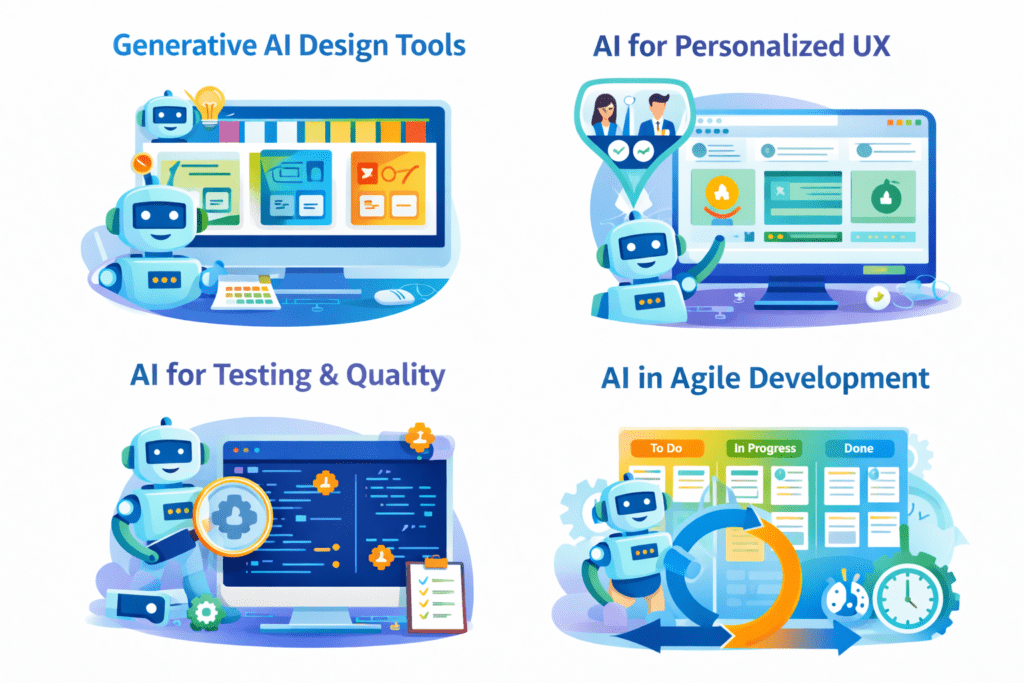
AI Tools for Designers
- AI-powered image and layout generators
- Prototyping plugins with automation
- UX analytics tools for behavior tracking
AI Tools for Developers
- AI code completion tools
- Automated testing and QA tools
- Security and performance scanners
The tools vary, but the goal stays the same: work smarter, not harder.
The exact tools vary by team, but the goal is consistent: reduce friction and improve focus.
Best Practices for Using AI in Design & Development
Start With Clear Goals
Before adopting AI tools, ask:
- Which tasks take the most time?
- Where do errors happen most often?
Use AI only where it adds real value.
Keep Humans in Control
AI outputs should always be reviewed.
Best practices include:
- Manual review of AI-generated designs and code
- Clear guidelines on AI usage
- Training teams to evaluate AI suggestions
Human judgment remains essential.
Protect Data and Privacy
When using AI in design and development:
- Avoid sharing sensitive user data
- Use approved and secure tools
- Follow company and legal guidelines
This is crucial for compliance and trust.
Challenges of AI in Design & Development
AI is powerful—but not perfect.
Common challenges include:
- Over-reliance on AI suggestions
- Generic or inconsistent outputs
- Learning how to use tools effectively
Understanding these limitations helps teams use AI responsibly.
How to Start Using AI Step by Step
- Identify 2–3 repetitive tasks
- Test AI tools on a small scale
- Measure productivity improvements
- Create internal usage guidelines
- Expand gradually across teams
This approach ensures safe and effective adoption..
FAQs: AI in Design and Development
What is AI in design and development?
AI in design & development uses intelligent tools to support design, coding, testing, and optimization while keeping humans in control.
Will AI replace designers and developers?
No. AI assists professionals by handling repetitive tasks, allowing them to focus on creative and strategic work.
Does AI-assisted work affect SEO or quality?
Search engines focus on quality and usefulness. Human review and originality matter more than whether AI was used.
Can small teams benefit from AI?
Yes. AI in design and development helps small teams work faster and compete with larger teams.
AI tools for designers
AI in UI UX design
AI for web development
AI-powered prototyping
Generative AI in design
AI design systems
AI in software development
AI code assistants
AI-driven product design
AI for frontend and backend development
How can AI be used safely?
By starting small, reviewing outputs, protecting data, and following clear guidelines.
Final Thoughts
AI in Design & Development: Tools, Workflows, and Best Practices 2026 is not a shortcut—it’s a support system.
Teams that use AI thoughtfully can:
- Build better products
- Improve efficiency
- Deliver better user experiences
The future belongs to professionals who know how to work with AI, not against it. When used responsibly, AI becomes a practical advantage rather than a passing trend.
Complete AI Graphic Design Tools List (No Canva) – 2026
A Review of Artificial Intelligence in Enhancing Architectural Design Efficiency (MDPI)
https://www.mdpi.com/2076-3417/15/3/1476
The Role of Artificial Intelligence in Architectural Design: A Systematic Review
The role of artificial intelligence (AI) in architectural design: a systematic review of emerging technologies and applications | Journal of Umm Al-Qura University for Engineering and Architecture | Springer Nature Link
Recent research shows that AI can significantly enhance design workflows and creative efficiency in architectural and product design contexts (Springer). Springer Nature Link
- Academic Writing
- AI Ethics & Future
- AI in Academic Research
- AI in Business & Marketing
- AI in Content Creation
- AI in Design & Development
- AI in Education/Teaching
- AI in Research
- AI Tools & Review
- Indian Laws
- Motivation
- SEO & Digital Marketing
- Writing & Content Creation
Complete AI Graphic Design Tools List (No Canva) – 2026
Complete AI Graphic Design Tools List (No Canva) – 15 battle-tested AI tools—including Napkin, Ideogram,…
AI for UI/UX Design: Tools, Workflows, and Trends
User Interface (UI) and User Experience (UX) design play a critical role in the success…
AI in App Development: Tools, Use Cases & Trends (2026)
App development is no longer limited to experienced programmers or large teams. Today, AI in…
No Code AI Tools: Best Platforms to Build Apps
Have a powerful app idea but no coding skills or budget for developers? No Code…
AI For Logo and Branding: Best Tools & Workflows 2026
Building a professional brand identity once required hiring designers, waiting weeks for revisions, and investing…
Best AI App Development Tools for 2026
Discover the best AI app development tools for 2026. Compare Copilot, Lovable, Bubble, and more…
Best 10 AI Tools in Web Development 2026
Top 10 AI Tools in Web Development You Should Use Today Smart AI Tools Helping…
AI in Web Development: Tools, Use Cases & Best Practices
Learn how AI in web development improves coding, personalization, and performance. Explore tools, benefits, challenges,…
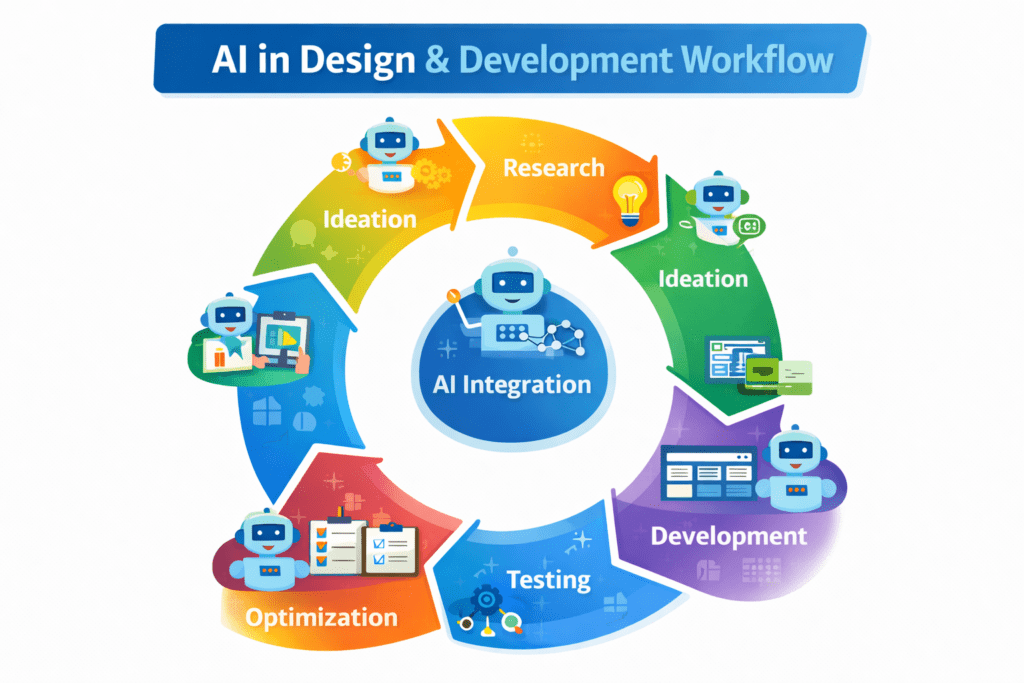
AI in Design & Development: Tools, Workflows, and Best Practices 2026
Artificial Intelligence is no longer a future concept.AI in Design & Development is already shaping…
AI in Graphic Design: Best Tools, Trends & Tips for 2026
Still designing everything manually in 2026?While you’re adjusting fonts and layers, AI in graphic design…