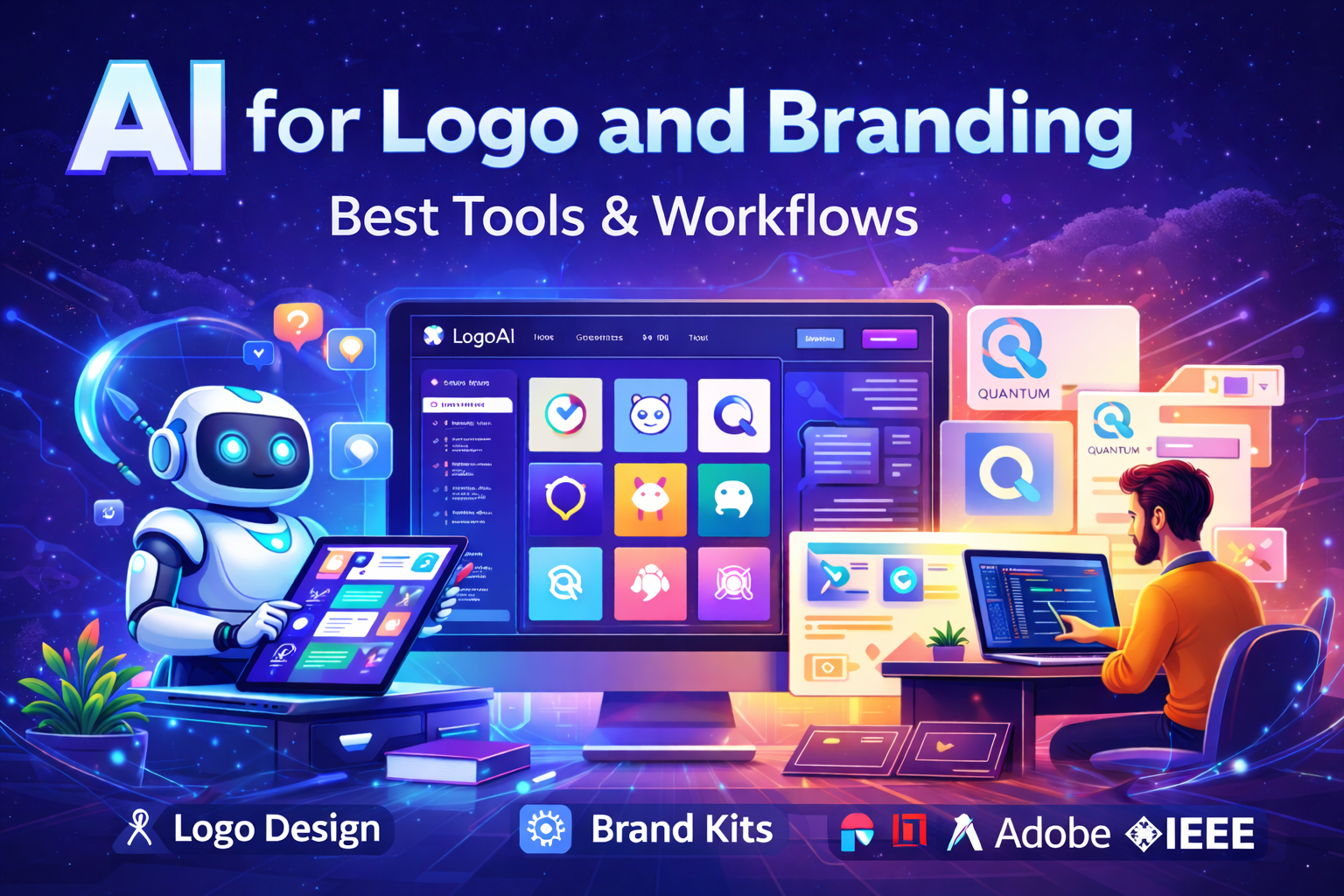
Building a professional brand identity once required hiring designers, waiting weeks for revisions, and investing significant money. Today, AI for logo and branding has transformed this process. Businesses can now create logos, brand kits, and visual identities in minutes—without advanced design skills.
From startups and freelancers to growing businesses, AI branding tools help generate logos, suggest fonts, choose color palettes, and maintain consistent branding across platforms.
This guide explains how AI logo tools work, their benefits, limitations, best workflows, and responsible use.
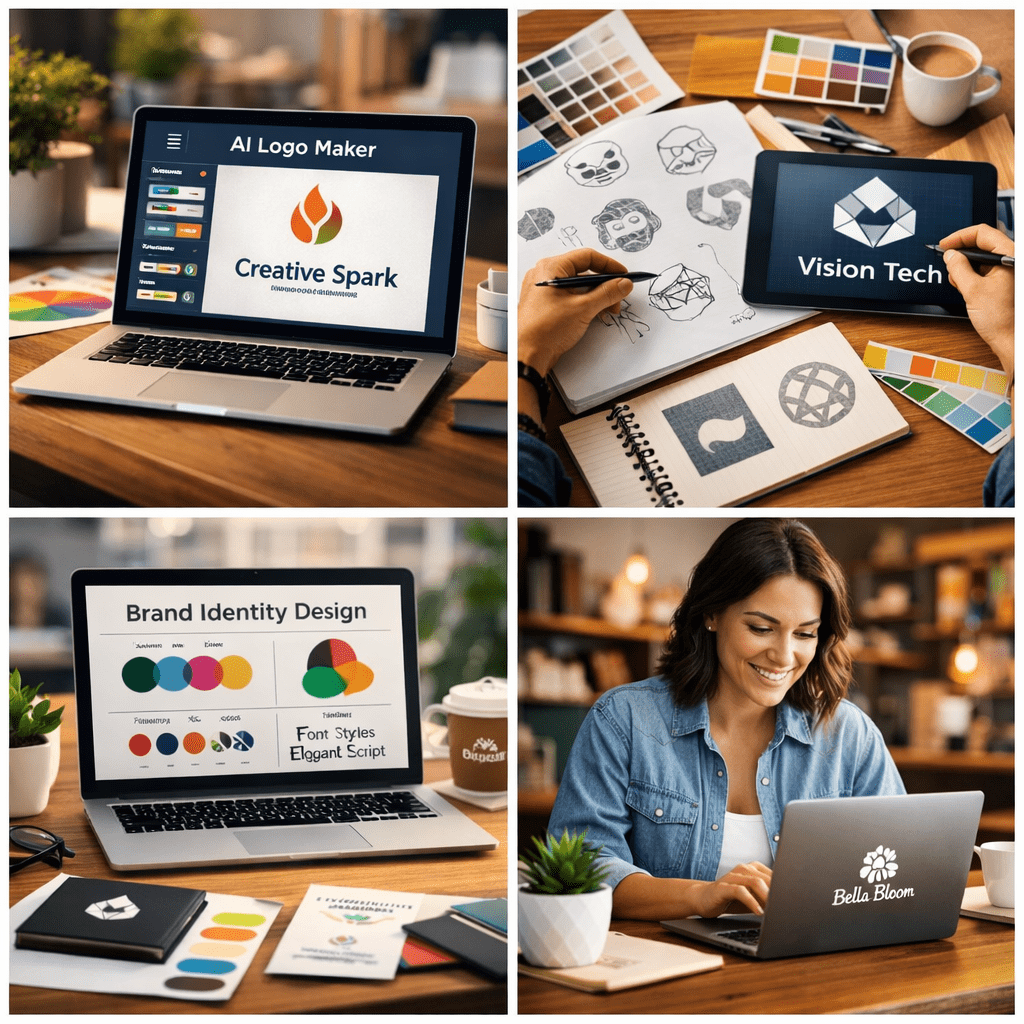
What is AI for Logo and Branding?
AI for logo and branding refers to the use of Artificial Intelligence tools to design visual brand elements such as:
- Logos
- Color palettes
- Typography
- Brand kits
- Visual identity systems
These tools analyze design patterns and user input to generate branding options automatically.
According to the World Intellectual Property Organization, branding elements such as logos are part of intellectual property that help distinguish businesses and protect brand identity. AI tools support this process by assisting in faster design creation.
Why AI for Logo and Branding Matters Today
Brand identity plays a critical role in business success. A logo is often the first impression customers have of a brand.
AI makes branding easier by:
Saving Time
AI generates logo options within minutes.
Reducing Costs
Businesses can create branding without hiring large design teams.
Improving Accessibility
Non-designers can create professional-looking logos.
Supporting Creativity
AI provides multiple ideas and variations.
Organizations like the European Union Intellectual Property Office emphasize that strong branding helps businesses build recognition and trust in competitive markets.
How AI Logo Generators Work
Most AI branding tools follow a simple workflow:
Step 1: Enter Brand Details
Example:
Modern coffee shop, warm colors, minimalist style
Step 2: AI Generates Logo Options
AI creates multiple logos, icons, and design styles.
Step 3: Customise the Design
Users can edit:
- Fonts
- Colors
- Layout
- Icons
Step 4: Download Brand Kit
Export includes:
- Logo files
- Social media templates
- Brand guidelines
This entire process can take less than 30 minutes.
Best AI Tools for Logo and Branding
Several trusted platforms provide AI branding features.
1. AI Logo Generators
These tools create logos automatically.
Examples:
- Adobe Express
- Canva AI
- Figma AI
Adobe explains that AI-powered design tools help create professional assets faster while maintaining quality.
2. AI Brand Kit Tools
These generate:
- Brand colors
- Typography
- Logo variations
This ensures consistent branding.
3. AI Graphic and Visual Tools
These help create:
- Social media graphics
- Website visuals
- Marketing materials
This improves brand presence.
Practical AI Branding Workflow
Follow this simple workflow:
Step 1: Define Brand Identity
Clarify:
- Mission
- Audience
- Brand personality
Step 2: Generate Logo
Use AI tools to create logo options.
Step 3: Refine and Customise
Adjust colors and typography.
Step 4: Create Brand Kit
Prepare:
- Logo formats
- Fonts
- Brand colors
Step 5: Apply Across Platforms
Use branding on:
- Website
- Social media
- Marketing materials
This builds recognition.
Benefits of Using AI for Branding
AI offers several advantages:
Faster Design Process
Logos can be created quickly.
Affordable Branding
Small businesses save money.
Multiple Design Options
AI generates various styles.
Easy Customization
Users can refine designs easily.
Improved Brand Consistency
Brand kits help maintain uniform branding.
Real-World Use Cases
AI branding tools are widely used:
Local businesses
Create logos and social media branding.
Startups
Build professional identity quickly.
Freelancers
Create branding for clients efficiently.
E-commerce sellers
Maintain consistent product branding.
Benefits of AI for Logo and Branding
AI provides significant advantages:
Faster branding creation
Logos can be generated instantly.
Cost-effective
No expensive design fees.
Multiple design options
Users get various choices.
Beginner-friendly
No design experience needed.
Complete branding kits
Ready-to-use brand assets.
Challenges and Limitations
Despite its benefits, AI branding has limitations:
Generic designs
Popular prompts may produce similar logos.
Licensing considerations
Usage rights vary by platform.
Requires human review
Final adjustments improve originality.
Brand strategy still needs human input
AI creates visuals, not business strategy.
The United States Patent and Trademark Office recommends ensuring logo originality before trademark registration.
Best Practices for Using AI Branding Tools
Follow these tips:
Use clear prompts
Specific inputs produce better designs.
Customise designs
Avoid using default templates.
Check trademark availability
Ensure uniqueness.
Use trusted platforms
Choose reliable tools.
Maintain brand consistency
Use the same branding everywhere.
Future of AI in Logo and Branding
AI branding will continue evolving.
Future trends include:
- Personalised brand identity creation
- Real-time branding recommendations
- Automated brand management
Research from Harvard University and IEEE shows AI is transforming creative workflows and design processes.
Conclusion
AI for logo and branding is making professional branding accessible to everyone.
It helps businesses:
- Create logos faster
- Maintain consistency
- Reduce costs
However, AI works best when combined with human creativity and strategic thinking.
Businesses that use AI responsibly can build strong, professional, and memorable brands.
FAQs
What is AI for logo and branding?
AI for logo and branding helps create logos and brand identities using artificial intelligence. It generates logos, colors, fonts, and brand assets from text prompts, making professional branding accessible without design expertise.
Are AI logo tools free?
Some tools offer free previews or limited exports. Full commercial usage usually requires a paid plan. Always check licensing before using logos for business purposes.
Can AI logos be used commercially?
Most paid plans provide commercial rights. Free plans may include watermarks or usage restrictions. Review terms carefully before publishing or printing designs.
Can AI replace professional designers?
AI speeds up design creation, but designers add strategy and originality. Many businesses use AI for initial concepts and designers for refinement.
Complete AI Graphic Design Tools List (No Canva) – 2026
References:
Adobe. Generative AI for Branding
https://www.adobe.com/sensei/generative-ai.html
Figma. AI in Design
https://www.figma.com/resource-library/ai-design-tools/
Harvard University. AI Prompts and Creativity
https://huit.harvard.edu/news/ai-prompts
IEEE. Impact of AI on Design
https://ieeechicago.org
Nature. Artificial Intelligence and Branding
https://www.nature.com/articles/s41599-025-04488-6
World Intellectual Property Organization
https://www.wipo.int
European Union Intellectual Property Office
https://www.euipo.europa.eu
United States Patent and Trademark Office
https://www.uspto.govticles/s41599-025-04488-6
- Academic Writing
- AI Ethics & Future
- AI in Academic Research
- AI in Business & Marketing
- AI in Content Creation
- AI in Design & Development
- AI in Education/Teaching
- AI in Research
- AI Tools & Review
- Indian Laws
- Motivation
- SEO & Digital Marketing
- Writing & Content Creation
AI For Logo and Branding: Best Tools & Workflows 2026
Building a professional brand identity once required hiring designers, waiting weeks for revisions, and investing…
AI for UI/UX Design: Tools, Workflows, and Trends
User Interface (UI) and User Experience (UX) design play a critical role in the success…
AI in App Development: Tools, Use Cases & Trends (2026)
App development is no longer limited to experienced programmers or large teams. Today, AI in…
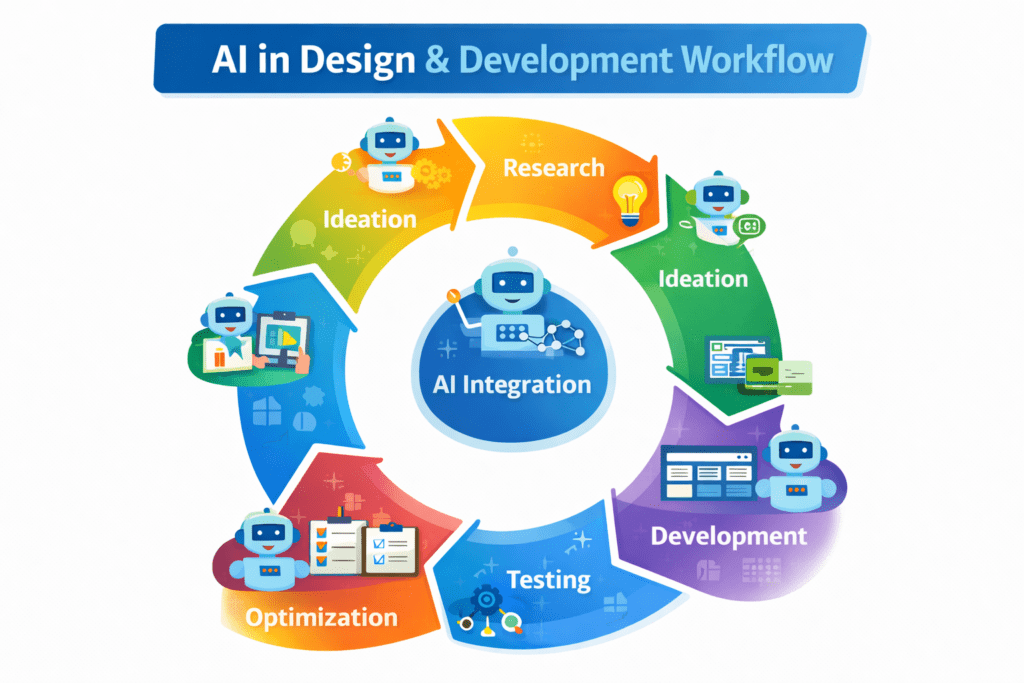
AI in Design & Development: Tools, Workflows, and Best Practices 2026
Artificial Intelligence is no longer a future concept.AI in Design & Development is already shaping…
AI in Graphic Design: Best Tools, Trends & Tips for 2026
Still designing everything manually in 2026?While you’re adjusting fonts and layers, AI in graphic design…
AI in Web Development: Tools, Use Cases & Best Practices
Learn how AI in web development improves coding, personalization, and performance. Explore tools, benefits, challenges,…
Best 10 AI Tools in Web Development 2026
Top 10 AI Tools in Web Development You Should Use Today Smart AI Tools Helping…
Best AI App Development Tools for 2026
Discover the best AI app development tools for 2026. Compare Copilot, Lovable, Bubble, and more…
Complete AI Graphic Design Tools List (No Canva) – 2026
Complete AI Graphic Design Tools List (No Canva) – 15 battle-tested AI tools—including Napkin, Ideogram,…
No Code AI Tools: Best Platforms to Build Apps
Have a powerful app idea but no coding skills or budget for developers? No Code…