
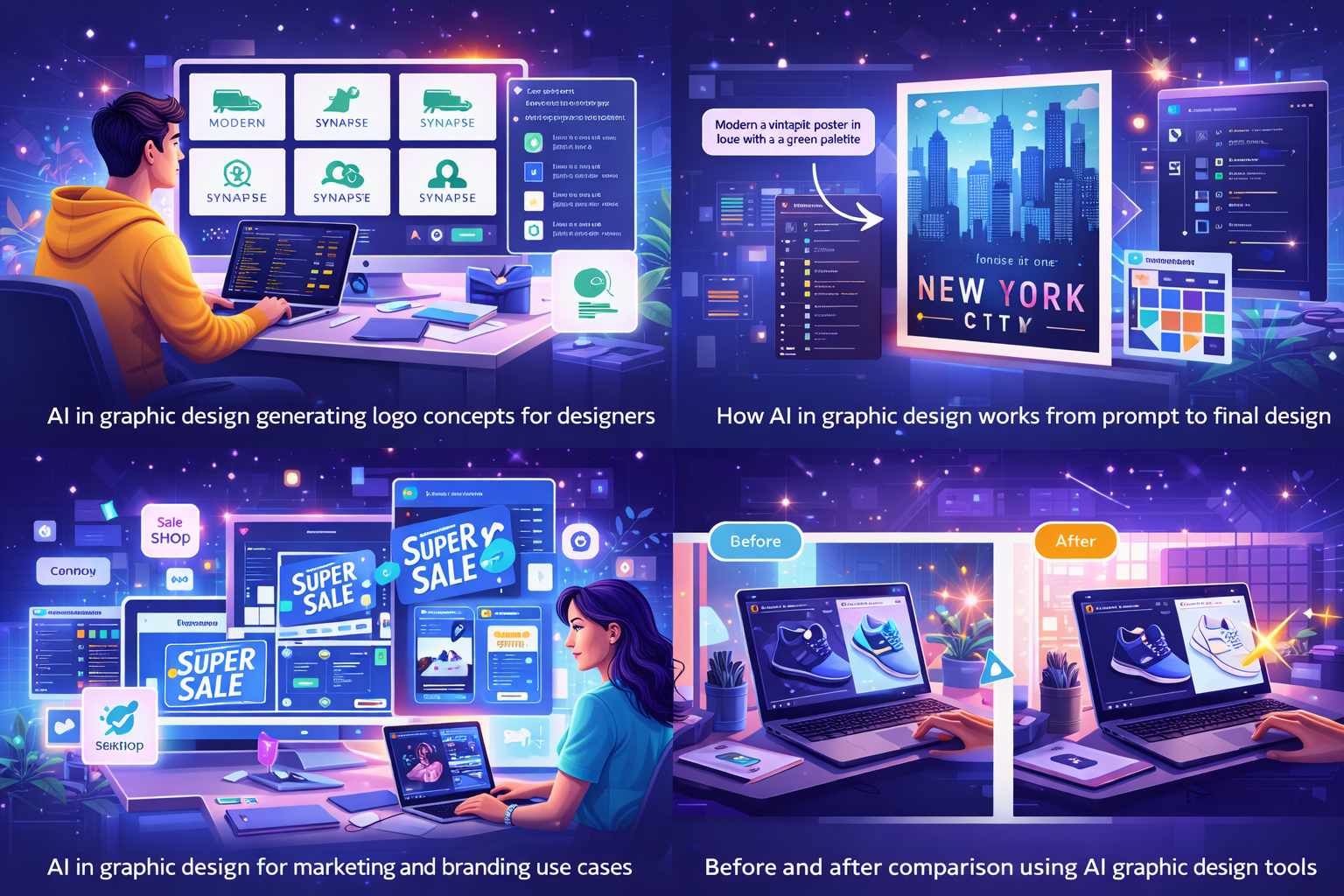
Still designing everything manually in 2026?
While you’re adjusting fonts and layers, AI in graphic design is already helping designers create faster, smarter, and more consistent visuals—with half the effort. If you want to stay relevant, this guide will show you exactly how AI is reshaping graphic design and how you can use it without losing creativity.
Why Designers Are Turning to AI
Ever spent hours adjusting fonts, colors, and layouts—only to feel something is still “off”? That’s a common struggle for designers. This is exactly where AI in graphic design is changing the game.
Instead of replacing creativity, AI acts like a smart design assistant. It helps generate ideas, refine visuals, and speed up repetitive tasks so designers can focus on storytelling, originality, and impact. From freelancers to large agencies, AI tools are now part of everyday graphic design workflows.
What Is AI in Graphic Design?
AI in graphic design refers to the use of machine learning and generative models to assist with visual creation, editing, and layout decisions. These tools analyze vast datasets of images, styles, and layouts to suggest or generate design outputs in seconds.
In simple terms, AI can:
- Turn text prompts into images or vectors
- Suggest layouts, fonts, and color palettes
- Edit photos automatically
- Maintain brand consistency across designs
It doesn’t replace designers—it amplifies their capabilities.
Why AI in Graphic Design Matters in 2026
Design demand has exploded. Social media, e-commerce, ads, and branding all require constant visual updates. In this fast-paced environment, AI in graphic design helps designers stay competitive.
Key reasons it matters today:
- Freelancers complete projects up to 40% faster
- Agencies scale output without hiring more staff
- Small businesses create professional visuals without expert teams
- Brands maintain consistent design across multiple platforms
In 2026, speed and consistency are no longer optional—they are essential.
How AI in Graphic Design Works (Step by Step)
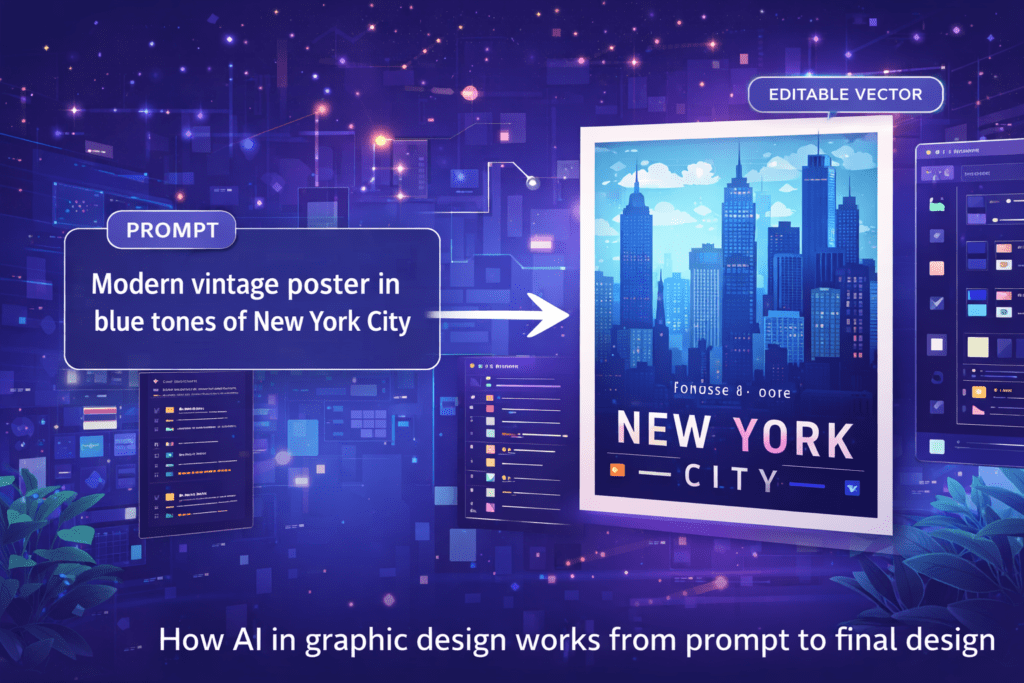
AI graphic design tools work by processing inputs—such as text, sketches, or images—through trained neural networks.
Core AI Design Functions:
- Text-to-Image Generation
Describe a concept like “minimal tech logo in blue tones” and AI generates multiple visual options. - Auto Image Editing
Instantly remove backgrounds, enhance lighting, or apply smart filters. - Style Transfer
Apply artistic or brand styles across images or logos with one click. - Layout & Composition Suggestions
AI arranges elements for balance, readability, and visual hierarchy.
Real-World Use Cases of AI in Graphic Design
AI is already deeply embedded in everyday design work:
- Marketing teams use Canva Magic Studio to generate social posts aligned with brand kits
- Logo designers use Designs.ai to explore dozens of concepts quickly
- Print businesses upscale low-resolution images for banners and billboards
- Content creators generate thumbnails, posters, and infographics at scale
These practical uses show how AI in graphic design saves time without sacrificing quality.
Benefits of AI in Graphic Design
Using AI in graphic design brings clear, measurable advantages:
- Reduces revision and iteration time drastically
- Maintains brand consistency across all design assets
- Makes professional design accessible to beginners
- Increases output for high-volume needs like ads and e-commerce
- Sparks creative ideas during early brainstorming stages
Challenges & Limitations You Should Know
Despite its advantages, AI in graphic design has limitations:
- Outputs can feel generic without human refinement
- Cultural or emotional nuances may be misunderstood
- Copyright and licensing concerns require attention
- Heavy tools may slow down on low-end devices
This is why human judgment remains essential.
Best Practices for Using AI in Graphic Design
To get the best results, designers should use AI strategically:
- Write clear, detailed prompts (style, format, mood, output type)
- Always refine and polish AI-generated designs manually
- Use AI as a starting point, not the final product
- Verify commercial usage rights of generated assets
- Combine AI tools with design platforms like Canva or Figma
The most successful designers treat AI as a collaborator, not a shortcut.
Frequently Asked Questions
What is AI in graphic design?
AI in graphic design uses machine learning to automate and assist with visual creation, editing, and layout tasks. It helps designers work faster while keeping creative control in human hands.
How does Canva use AI in graphic design?
Canva’s AI features generate templates, apply brand styles, and suggest edits from simple prompts. It’s beginner-friendly and ideal for quick social and marketing designs.
How does Canva use AI in graphic design?
Canva’s AI features generate templates, apply brand styles, and suggest edits from simple prompts. It’s beginner-friendly and ideal for quick social and marketing designs.
What are the main benefits of AI in graphic design?
AI saves time, improves consistency, boosts creativity, and helps designers scale their output—especially useful for marketing teams and freelancers.
Are there risks in using AI graphic design tools?
Yes. Outputs may lack originality or raise licensing concerns. Designers should always review, edit, and verify usage rights before commercial use.
Can beginners use AI in graphic design?
Absolutely. Tools like Canva Magic Design and AutoDraw are beginner-friendly and require no advanced design skills.
Is AI-generated design safe for client projects?
Most tools provide licensed outputs, but designers should always check terms and customize results to ensure originality and compliance.
Conclusion: The Future of Graphic Design with AI
AI in graphic design is no longer experimental—it’s becoming essential. When used thoughtfully, AI speeds up workflows, enhances creativity, and helps designers meet modern content demands without losing their unique voice.
The future belongs to designers who combine human creativity with AI efficiency. Start small, experiment often, and let AI support—not replace—your creative vision.
Complete AI Graphic Design Tools List (No Canva) – 2026
References
- Figma – AI Design Tools
https://www.figma.com/resource-library/ai-design-tools/ - Canva – Magic Design
https://www.canva.com/magic-design/ - Designs.ai – Official Website
https://designs.ai/ - Harvard University – AI Prompting Guide
https://huit.harvard.edu/news/ai-prompts
- Academic Writing
- AI Ethics & Future
- AI in Academic Research
- AI in Business & Marketing
- AI in Content Creation
- AI in Design & Development
- AI in Education/Teaching
- AI in Research
- AI Tools & Review
- Indian Laws
- Motivation
- SEO & Digital Marketing
- Writing & Content Creation
AI For Logo and Branding: Best Tools & Workflows 2026
Building a professional brand identity once required hiring designers, waiting weeks for revisions, and investing…
AI for UI/UX Design: Tools, Workflows, and Trends
User Interface (UI) and User Experience (UX) design play a critical role in the success…
AI in App Development: Tools, Use Cases & Trends (2026)
App development is no longer limited to experienced programmers or large teams. Today, AI in…
AI in Design & Development: Tools, Workflows, and Best Practices 2026
Artificial Intelligence is no longer a future concept.AI in Design & Development is already shaping…
AI in Graphic Design: Best Tools, Trends & Tips for 2026
Still designing everything manually in 2026?While you’re adjusting fonts and layers, AI in graphic design…
AI in Web Development: Tools, Use Cases & Best Practices
Learn how AI in web development improves coding, personalization, and performance. Explore tools, benefits, challenges,…
Best 10 AI Tools in Web Development 2026
Top 10 AI Tools in Web Development You Should Use Today Smart AI Tools Helping…
Best AI App Development Tools for 2026
Discover the best AI app development tools for 2026. Compare Copilot, Lovable, Bubble, and more…
Complete AI Graphic Design Tools List (No Canva) – 2026
Complete AI Graphic Design Tools List (No Canva) – 15 battle-tested AI tools—including Napkin, Ideogram,…
No Code AI Tools: Best Platforms to Build Apps
Have a powerful app idea but no coding skills or budget for developers? No Code…