
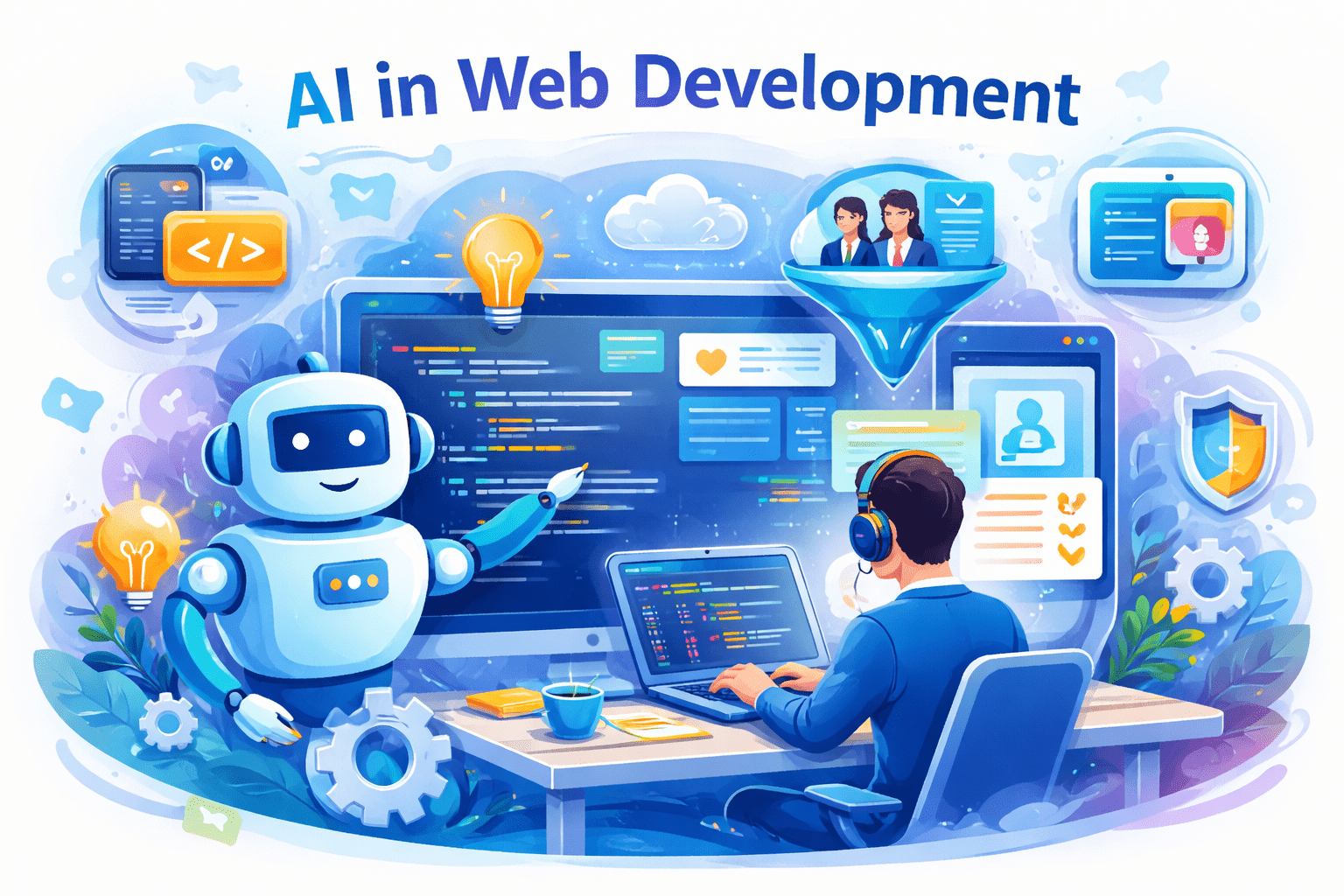
Learn how AI in web development improves coding, personalization, and performance. Explore tools, benefits, challenges, and best practices.
Introduction
Ever opened a code editor and felt stuck before even writing the first line?
That feeling is common — especially when deadlines are tight and expectations are high.
It helps developers reduce repetitive work, improve efficiency, and build smarter websites without sacrificing quality. Instead of replacing developers, AI acts as a supportive assistant throughout the development process.
This guide explains AI in web development in simple language, with real-world use cases, benefits, limitations, and best practices you can actually follow.
What Is AI in Web Development?
It refers to using artificial intelligence technologies like machine learning and generative models to assist with coding, design, testing, optimization, and personalization of websites and web applications. These tools analyze large datasets and code patterns to suggest improvements, automate tasks, and enhance user experiences.
Why AI in Web Development Matters Today
Web projects are becoming more complex, while users expect faster, more personalized experiences. It helps teams:
- Reduce manual coding efforts
- Improve website performance and accessibility
- Adapt content dynamically to user behavior
- Support small teams and solo developers efficiently
As modern frameworks and cloud infrastructure evolve, AI has become a practical necessity rather than a future concept.
How AI in Web Development Works
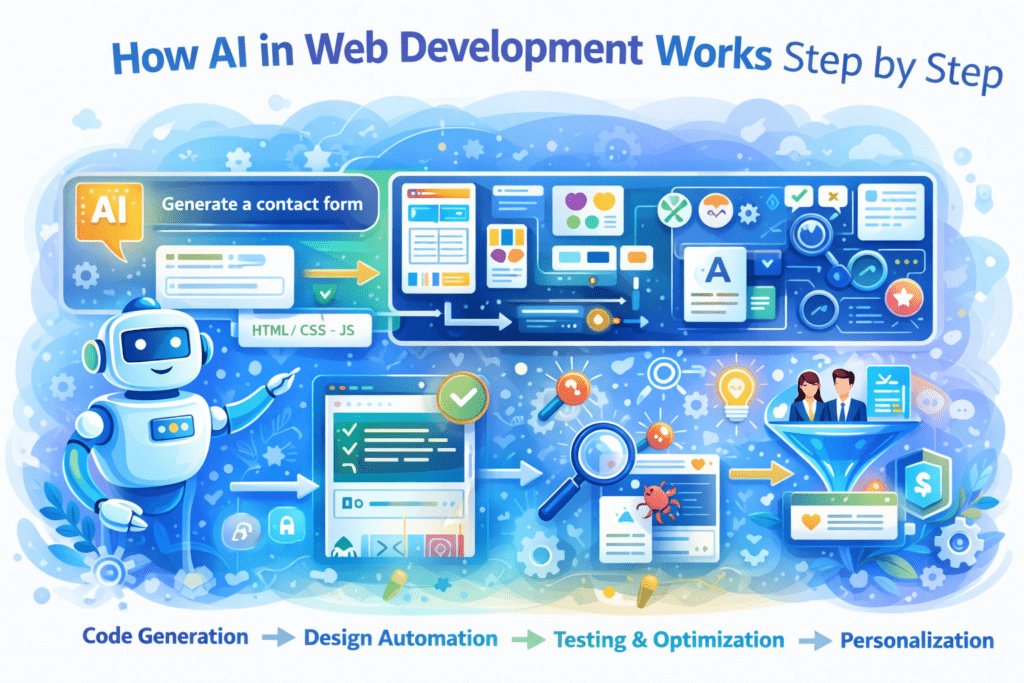
AI tools integrate easily with popular platforms like WordPress, React, and modern IDEs.
Core Functions of AI in Web Development
- Code generation: AI suggests or generates HTML, CSS, and JavaScript based on prompts
- Design automation: Layouts adapt automatically for different devices
- Testing and optimization: AI detects bugs, SEO issues, and performance gaps
- Personalization: Content and layouts adjust based on user behavior
AI Tools and Their Use in Web Development
- GitHub Copilot – Helps write HTML, CSS, JavaScript, and React code automatically inside the code editor.
- Cursor AI – An AI-powered coding editor used to refactor, debug, and improve full web projects.
- v0 by Vercel – Generates ready-to-use UI components and layouts for React and Next.js apps.
- Figma AI – Creates website designs, layouts, and prototypes that developers can convert into code.
- Codeium – Provides free AI code suggestions and autocomplete for multiple programming languages.
- Replit Ghostwriter – Assists with writing, testing, and debugging code directly in the browser.
- Framer AI – Builds responsive landing pages and websites using AI-generated layouts.
- Uizard – Converts sketches and wireframes into web-ready designs quickly.
- Locofy – Turns Figma designs into clean React, HTML, or CSS code.
- ChatGPT – Used for logic building, debugging help, API integration ideas, and code explanations.
Real-World Use Cases of AI in Web Development
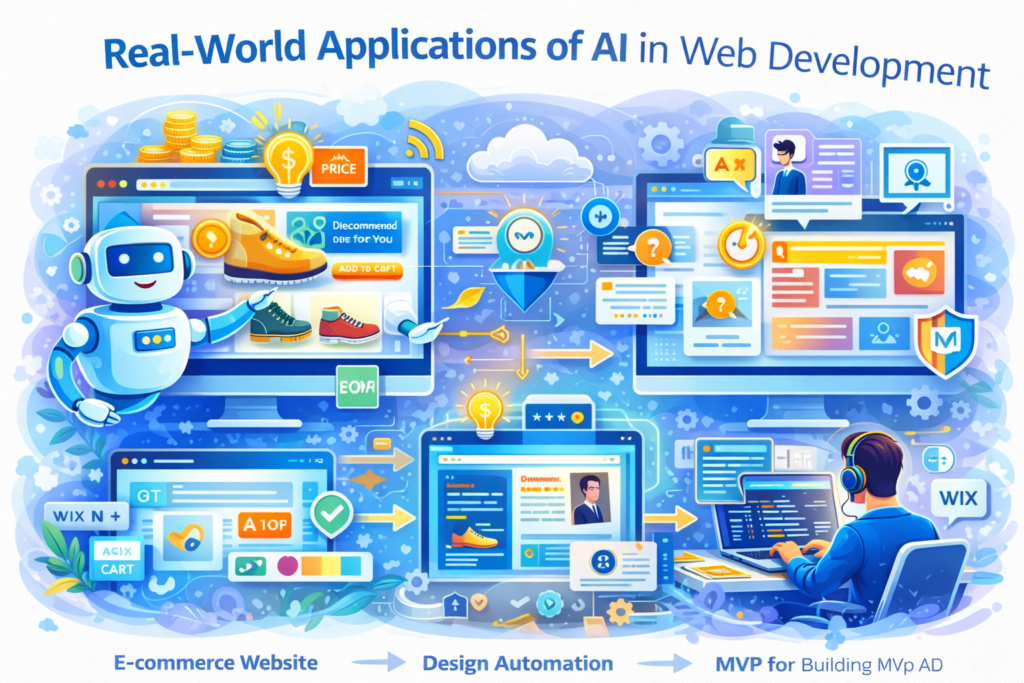
E-commerce: Product recommendations and dynamic pricing
Media websites: Automated summaries and chatbot support
Freelance development: Faster MVP creation using AI-assisted builders
Enterprise apps: AI-driven testing and performance monitoring
These use cases show how It supports both speed and scalability.
Benefits of AI in Web Development
- Faster development cycles
- Improved accessibility and UX
- Better code quality with early issue detection
- Scalable personalization for users
- Reduced repetitive workload for developers
Challenges and Limitations of AI in Web Development
Despite its benefits, It has limitations:
- AI-generated code may contain errors
- Data bias can affect personalization accuracy
- Privacy and compliance concerns (GDPR, data usage)
- Over-dependence may weaken core development skills
Human review and ethical practices remain essential.
Best Practices for Using AI in Web Development
- Use clear and specific prompts
- Always review and test AI-generated code
- Combine AI assistance with human logic
- Start with non-critical features
- Follow security and data privacy guidelines
FAQs About AI in Web Development
What is AI in web development?
AI in web development uses artificial intelligence to assist with coding, design, testing, and personalization. It helps developers work more efficiently while maintaining quality and control.
Is AI in web development suitable for beginners?
Yes. Many AI tools offer user-friendly interfaces and suggestions that help beginners learn faster while building real projects.
Can AI replace web developers?
No. AI supports developers but does not replace human creativity, problem-solving, and decision-making.
Is AI-generated code safe to use?
AI-generated code should always be reviewed and tested to ensure security, performance, and compliance with best practices.
How can I start using AI in web development?
Begin with AI-assisted IDE tools, experiment on small projects, and gradually integrate AI into your workflow.
Conclusion
AI in web development is reshaping how websites are built — making the process faster, smarter, and more adaptable. When used responsibly, AI enhances productivity without removing human control.
The key is balance: let AI handle repetitive tasks while developers focus on logic, creativity, and user experience.
Complete AI Graphic Design Tools List (No Canva) – 2026
References
- IEEE – Artificial Intelligence in Software Engineering
https://ieeexplore.ieee.org/ - Harvard University – AI and Prompting Guidance
https://huit.harvard.edu/news/ai-prompts - U.S. Department of Education – Artificial Intelligence Reports
https://www.ed.gov - Ohio State University – AI Teaching & Technology Resources
https://teaching.resources.osu.edu
- Academic Writing
- AI Ethics & Future
- AI in Academic Research
- AI in Business & Marketing
- AI in Content Creation
- AI in Design & Development
- AI in Education/Teaching
- AI in Research
- AI Tools & Review
- Indian Laws
- Motivation
- SEO & Digital Marketing
- Writing & Content Creation
AI For Logo and Branding: Best Tools & Workflows 2026
Building a professional brand identity once required hiring designers, waiting weeks for revisions, and investing…
AI for UI/UX Design: Tools, Workflows, and Trends
User Interface (UI) and User Experience (UX) design play a critical role in the success…
AI in App Development: Tools, Use Cases & Trends (2026)
App development is no longer limited to experienced programmers or large teams. Today, AI in…
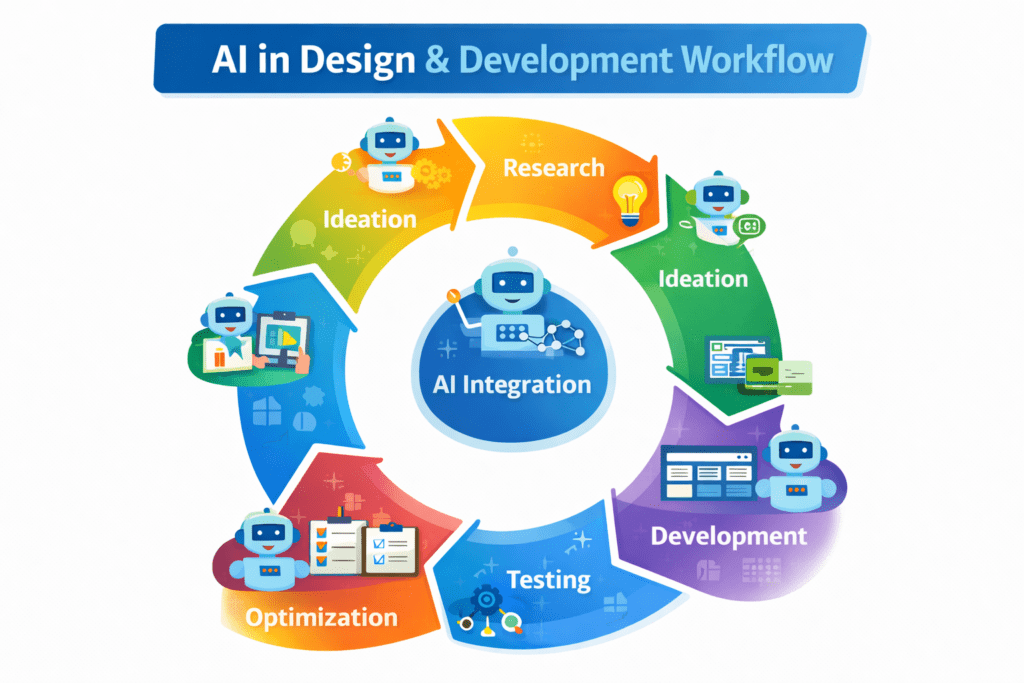
AI in Design & Development: Tools, Workflows, and Best Practices 2026
Artificial Intelligence is no longer a future concept.AI in Design & Development is already shaping…
AI in Graphic Design: Best Tools, Trends & Tips for 2026
Still designing everything manually in 2026?While you’re adjusting fonts and layers, AI in graphic design…
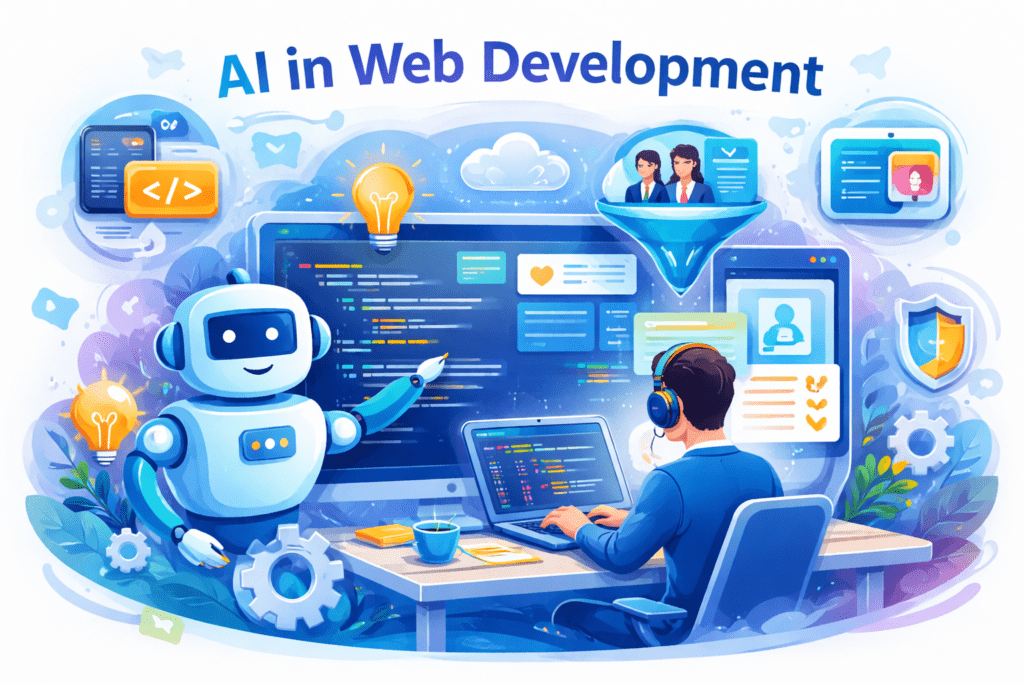
AI in Web Development: Tools, Use Cases & Best Practices
Learn how AI in web development improves coding, personalization, and performance. Explore tools, benefits, challenges,…
Best 10 AI Tools in Web Development 2026
Top 10 AI Tools in Web Development You Should Use Today Smart AI Tools Helping…
Best AI App Development Tools for 2026
Discover the best AI app development tools for 2026. Compare Copilot, Lovable, Bubble, and more…
Complete AI Graphic Design Tools List (No Canva) – 2026
Complete AI Graphic Design Tools List (No Canva) – 15 battle-tested AI tools—including Napkin, Ideogram,…
No Code AI Tools: Best Platforms to Build Apps
Have a powerful app idea but no coding skills or budget for developers? No Code…