
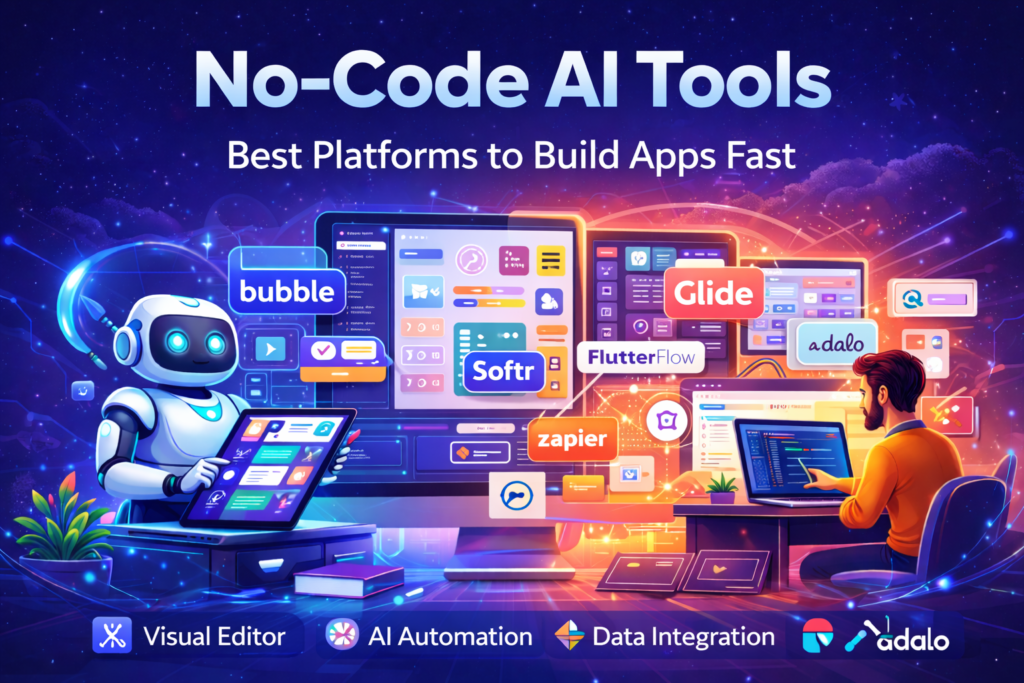
Have a powerful app idea but no coding skills or budget for developers? No Code AI Tools solve this problem by enabling anyone to build functional apps using drag-and-drop builders and AI-powered automation. This guide explores no code AI tools that deliver real, production-ready results.
What Are No Code AI Tools?
No Code AI Tools allow users to create software without writing code. They combine visual builders with artificial intelligence to help design, automate, and publish applications quickly.
Core Capabilities
| Feature | Description |
|---|---|
| Visual Builder | Drag-and-drop interface for UI design |
| AI Automation | Chatbots, content generation, predictions |
| Data Integration | Google Sheets, Airtable, APIs |
| One-Click Deploy | Publish web or mobile apps easily |
These tools are ideal for entrepreneurs, marketers, startups, and internal business teams.
Why No Code AI Tools Matter Today
No-code AI platforms are transforming software creation because they:
- Help non-technical founders launch MVPs in days
- Allow marketing teams to automate workflows
- Reduce development costs significantly
- Enable faster experimentation and iteration
Speed and adaptability are now competitive advantages—and no code AI tools deliver both.
Understanding the Rise of No Code AI Tools
No Code AI Tools are becoming popular because traditional software development is expensive, slow, and resource-heavy. Earlier, building even a simple app required developers, designers, and months of work. Today, no code AI platforms remove these barriers by offering visual interfaces and built-in intelligence, allowing users to focus on ideas instead of technical complexity.
AI adds an extra layer of power by automating tasks such as text generation, chatbot responses, data analysis, and personalization. This combination of no-code + AI makes software creation accessible to non-technical users across industries.
How No Code AI Tools Work (Step-by-Step)
| Step | What Happens |
|---|---|
| Visual Canvas | Design screens using drag-and-drop elements |
| AI Integration | Add chatbots, AI text, recommendations |
| Data Connection | Link spreadsheets, databases, APIs |
| Automation | Create workflows with triggers & actions |
| Publish | Deploy apps to web or mobile instantly |
Who Should Use No Code AI Tools?
No-code AI tools are not limited to one type of user. They are widely used by:
- Startup founders who want to validate ideas quickly
- Small business owners automating daily operations
- Marketing teams creating landing pages and lead funnels
- Freelancers and agencies delivering apps faster to clients
- Nonprofits and educators managing data without IT teams
Even professional developers use no-code AI tools to prototype faster or build internal dashboards.
Popular No-Code AI Tools & Use Cases
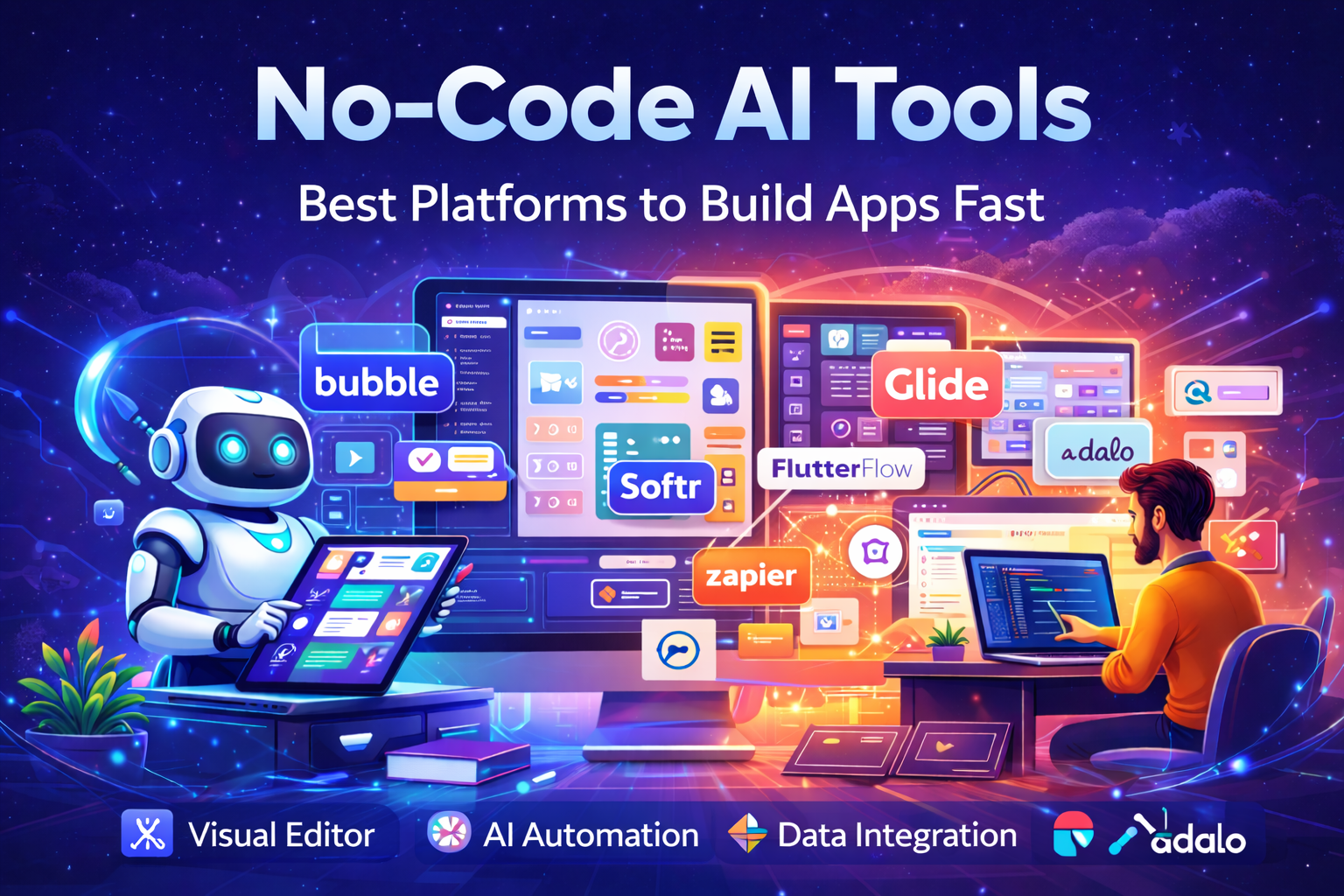
| Platform | Best Use Case | Key Strength |
|---|---|---|
| Bubble | Complex web apps | Advanced logic + AI plugins |
| Softr | Client portals | Airtable + AI content |
| Glide | Mobile apps | Fast data-based apps |
| FlutterFlow | Native mobile apps | Exportable source code |
| Adalo | App store publishing | No-code mobile deployment |
Real-World Use Cases of No-Code AI Tools
- Freelancers build client CRM systems
- E-commerce brands create quizzes and lead funnels
- SaaS teams launch internal dashboards
- Nonprofits automate donor and volunteer tracking
These tools are best suited for MVPs, internal tools, and early-stage products.
Benefits of No-Code AI Tools
| Benefit | Why It Matters |
|---|---|
| Faster Launch | Apps go live in days |
| Lower Cost | No developer contracts |
| Built-in AI | Chatbots & personalization ready |
| Visual Debugging | Easy issue detection |
| Beginner Friendly | No technical background needed |
Challenges & Limitations of No-Code AI Tools
Despite their advantages, no-code AI tools have limits:
- Performance constraints at high scale
- Vendor lock-in risks
- Complex logic may require custom code
- Free plans restrict production usage
They work best as rapid development and validation tools.
Best Practices for Using No-Code AI Tools
- Start with a simple MVP
- Use templates to learn workflows
- Connect real data early
- Document logic visually
- Plan for future migration
- Test on desktop and mobile
No-Code AI Tools vs Traditional Development
Understanding the difference helps readers choose the right approach.
| Aspect | No-Code AI Tools | Traditional Coding |
|---|---|---|
| Skill Required | Beginner-friendly | Advanced programming |
| Development Time | Days or weeks | Months |
| Cost | Low monthly fees | High development cost |
| Flexibility | Limited customization | Fully customizable |
| Best For | MVPs, internal tools | Large-scale systems |
This comparison clarifies that no-code AI tools are not replacements for developers, but powerful alternatives for speed and experimentation.
FAQs
1. What are no-code AI tools?
No-code AI tools are platforms that allow you to build AI apps, chatbots, or automations without writing any code. They use simple drag-and-drop features, so beginners and non-technical users can create AI solutions easily.
2. Who can use no-code AI tools?
Anyone can use no-code AI tools, including small business owners, students, marketers, freelancers, and entrepreneurs. You don’t need programming skills to get started.
3. What can you build with no-code AI tools?
You can build many useful things, such as:
Chatbots for customer support
AI apps and tools
Automated workflows
Content generators
Business automation systems
These tools help save time and improve productivity.
4. Are no-code AI tools free to use?
Many no-code AI tools offer free plans with basic features. Paid plans provide advanced features, but beginners can start with free versions and upgrade later if needed.
5. What are the benefits of using no-code AI tools?
Some major benefits include:
No coding required
Faster app development
Lower cost compared to hiring developers
Easy to use for beginners
Helps automate business tasks
6. Are no-code AI tools safe?
Yes, most trusted no-code AI platforms are safe. However, you should choose reliable tools, follow privacy policies, and avoid sharing sensitive data unnecessarily.
7. Can small businesses use no-code AI tools?
Yes, no-code AI tools are especially helpful for small businesses. They can build chatbots, automate marketing, and improve customer service without hiring technical teams.
8. Do no-code AI tools replace developers?
No, no-code AI tools do not replace developers completely. They help build simple apps easily, but complex projects may still require professional developers.
9. How long does it take to build an AI app using no-code tools?
It depends on the project, but many simple AI apps can be built within a few hours or days using no-code platforms.
10. Are no-code AI tools useful for beginners?
Yes, they are designed especially for beginners. Their simple interface makes it easy to create AI apps without technical knowledge.
11. What is the future of no-code AI tools?
The future is very promising. No-code AI tools are making AI accessible to everyone, allowing more people to build apps and automate tasks without coding skills.
Conclusion
No-code AI tools are democratizing software development. Whether you’re building an MVP, internal dashboard, or automation, platforms like Bubble, Softr, and Glide help you launch faster and smarter.
Complete AI Graphic Design Tools List (No Canva) – 2026
References :
- IBM. What is no-code? IBM Think. What Is No Code? | IBM
- IBM. Low-Code vs No-Code. IBM Think. No-Code AI: Platforms and Tools – Communications of the ACM
- No-Code AI Platforms & Tools. Communications of the ACM. No-Code AI: Platforms and Tools – Communications of the ACM
- Base44. Wikipedia.Base44 – Wikipedia
- AppyPie. Wikipedia. AppyPie – Wikipedia
- Adalo. Wikipedia. Adalo – Wikipedia
- Academic Writing
- AI Ethics & Future
- AI in Academic Research
- AI in Business & Marketing
- AI in Content Creation
- AI in Design & Development
- AI in Education/Teaching
- AI in Research
- AI Tools & Review
- Indian Laws
- Motivation
- SEO & Digital Marketing
- Writing & Content Creation
Complete AI Graphic Design Tools List (No Canva) – 2026
Complete AI Graphic Design Tools List (No Canva) – 15 battle-tested AI tools—including Napkin, Ideogram,…
AI for UI/UX Design: Tools, Workflows, and Trends
User Interface (UI) and User Experience (UX) design play a critical role in the success…
AI in App Development: Tools, Use Cases & Trends (2026)
App development is no longer limited to experienced programmers or large teams. Today, AI in…
No Code AI Tools: Best Platforms to Build Apps
Have a powerful app idea but no coding skills or budget for developers? No Code…
AI For Logo and Branding: Best Tools & Workflows 2026
Building a professional brand identity once required hiring designers, waiting weeks for revisions, and investing…
Best AI App Development Tools for 2026
Discover the best AI app development tools for 2026. Compare Copilot, Lovable, Bubble, and more…
Best 10 AI Tools in Web Development 2026
Top 10 AI Tools in Web Development You Should Use Today Smart AI Tools Helping…
AI in Web Development: Tools, Use Cases & Best Practices
Learn how AI in web development improves coding, personalization, and performance. Explore tools, benefits, challenges,…
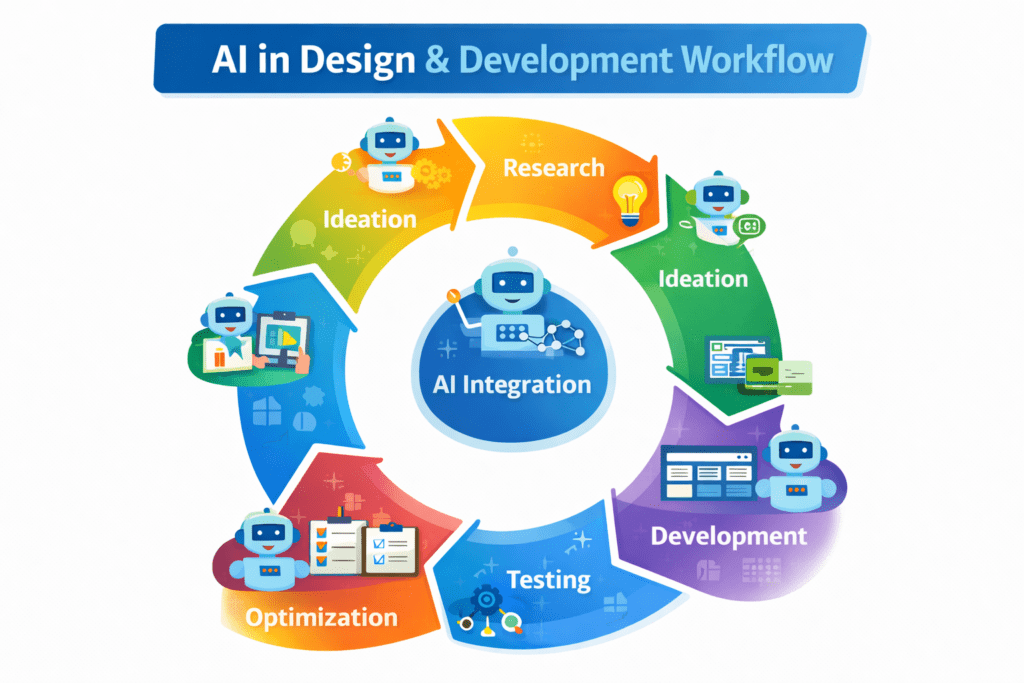
AI in Design & Development: Tools, Workflows, and Best Practices 2026
Artificial Intelligence is no longer a future concept.AI in Design & Development is already shaping…
AI in Graphic Design: Best Tools, Trends & Tips for 2026
Still designing everything manually in 2026?While you’re adjusting fonts and layers, AI in graphic design…