Cluster Post 1 | Module 7: AI Tools in Academic Research — Opportunities, Ethics, and Best Practices
From Concept to Submission Series | 2026
Academic Writing Mastery: The Complete 2026 Guide To Research Papers, Thesis & Dissertation Writing
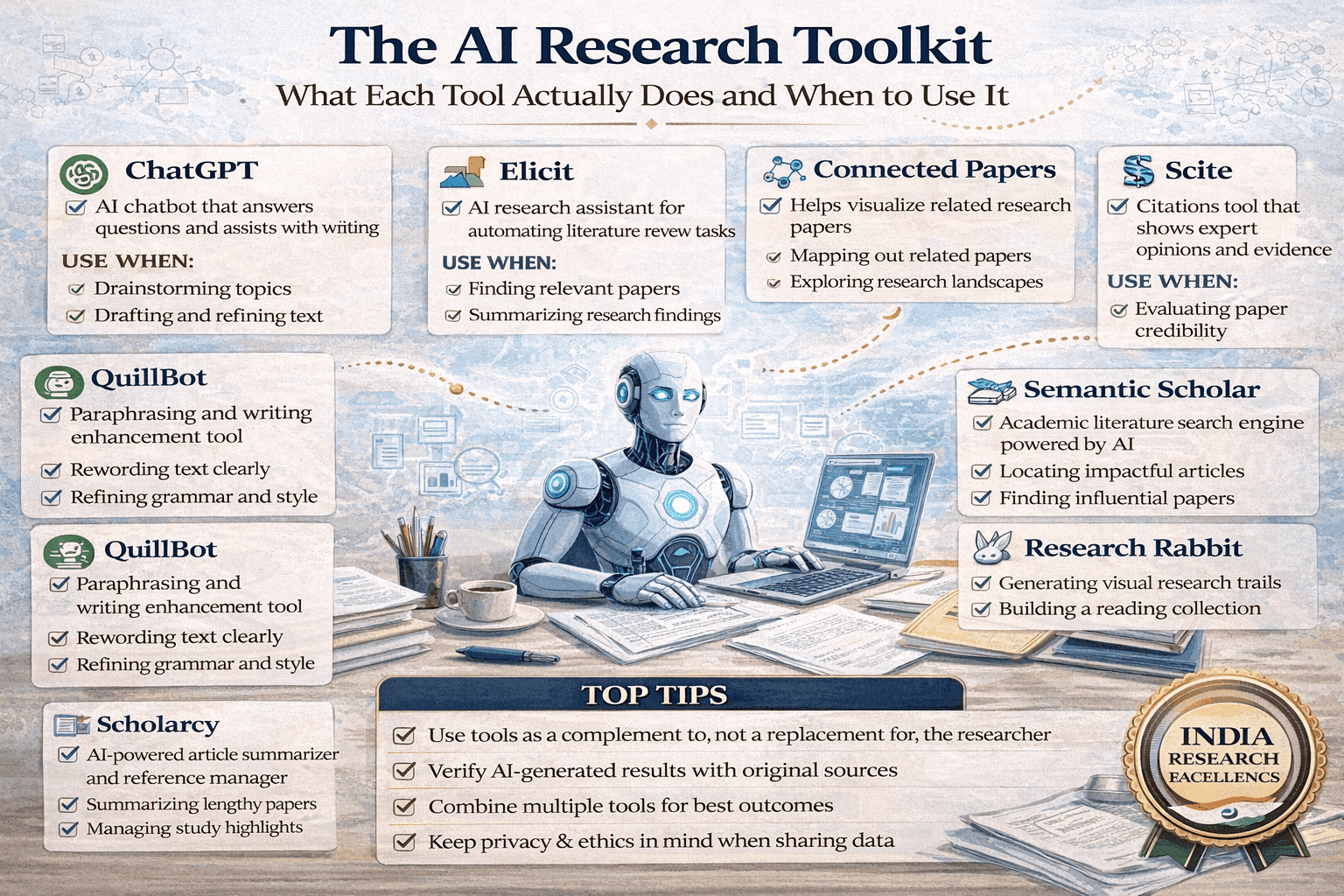
The AI Research Toolkit:
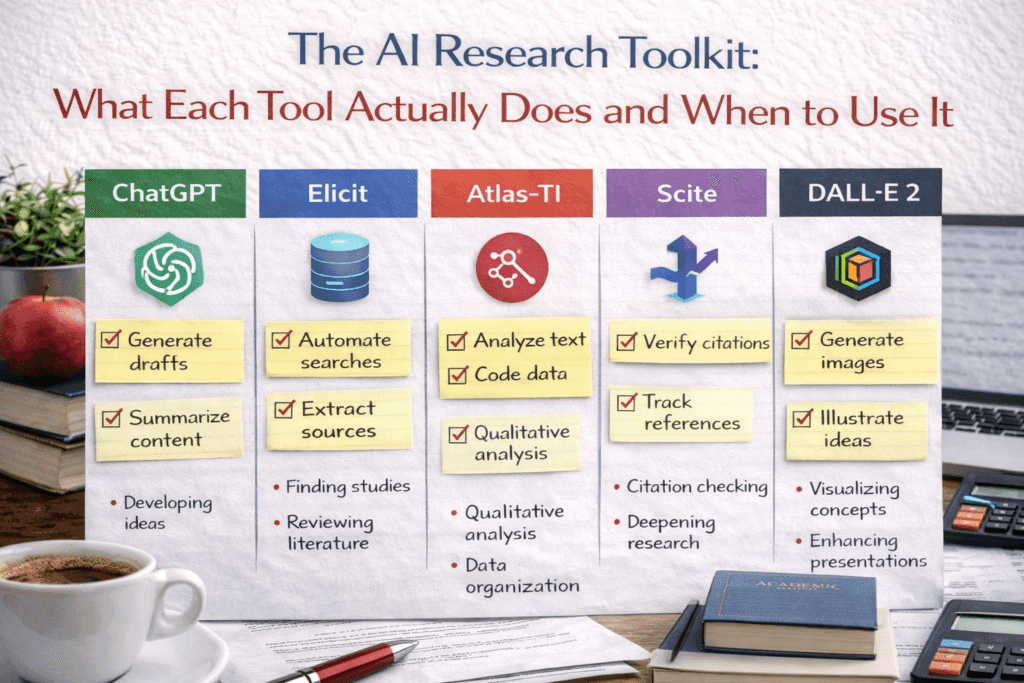
The module overview lists available AI tools. This post goes deeper: an honest capability and limitation assessment for each major tool category, the research-specific tools the module names but does not evaluate in depth, and a stage-by-stage decision guide so you reach for the right tool at each point in the research process.
Why Tool Choice Matters
AI tools are not interchangeable. A tool that excels at finding literature connections performs poorly at generating code. A tool that improves English grammar may introduce factual errors if asked to explain methodology. Using the wrong tool for a task — or using any AI tool for a task it cannot do well — produces outputs that appear useful but contain errors that take significant time to find and correct.
The most costly AI research error is not using AI when you should not — it is using the wrong AI tool and trusting the output too much. Researchers who understand what each tool is actually doing, and therefore what kinds of errors it is prone to, use AI far more effectively than those who treat all AI tools as equivalent and all AI outputs as approximately reliable.
Large Language Models: What They Are Actually Doing
Before evaluating specific LLMs, one foundational point shapes how all of them should be used. LLMs do not retrieve information from a database of facts — they generate text that is statistically likely to follow from your prompt, based on patterns in their training data. This means:
- Confidence does not indicate accuracy: An LLM states a fabricated citation with the same confidence as a real one. There is no internal signal — in the output or in the LLM’s ‘tone’ — that distinguishes accurate from hallucinated content.
- Plausibility is not truth: LLM outputs are designed to be linguistically plausible. A fabricated case name, a wrong statistic, or a misrepresented finding will read exactly like accurate information.
- Recency has a hard limit: Every LLM has a training cutoff date. Events, publications, court decisions, and policy changes after that date do not exist in the model’s knowledge base.
With this foundation, the honest comparison:
| Tool | Best at | Avoid using for |
| ChatGPT-4o | Brainstorming, explaining concepts, drafting outlines, coding assistance, general writing improvement. Strong on breadth. | Factual claims without verification, legal research (hallucinates cases), any citation generation without independent check. |
| Claude (Sonnet/Opus) | Long-document analysis, following complex multi-part instructions, detailed reasoning tasks, reading and discussing uploaded PDFs and research papers. Strong on depth and nuance. | Same factual verification caveat. Opus is more reliable on complex reasoning; Sonnet better for speed and cost on routine tasks. |
| Google Gemini | Tasks requiring current web information (has real-time search), integration with Google Scholar and Drive, cross-referencing current events with research context. | Complex multi-step reasoning tasks where ChatGPT-4 or Claude tend to outperform; verify all factual outputs. |
| Microsoft Copilot | Document editing in Word (formatting, restructuring, tone adjustment), Excel data cleaning scripts, PowerPoint slide structure. Best for document-level tasks. | Original research analysis, literature synthesis, any task requiring field-specific knowledge. |
Research-Specific AI Tools: Honest Assessments
The module lists several research-specific tools. This section evaluates each against the actual tasks researchers need to accomplish.
Literature discovery: Elicit, Consensus, Semantic Scholar
Elicit is the most research-validated of the three. It searches the semantic scholar database for papers and extracts specific data fields (sample size, methodology, findings) from each paper it returns. Its strength is systematic review work — if you need to screen 200 papers for specific methodology types or outcome measures, Elicit reduces that screening time substantially. Its limitation: it indexes primarily English-language papers and heavily weights higher-citation papers, which means recent work and non-Western scholarship may be underrepresented.
Consensus answers research questions by synthesising evidence from peer-reviewed papers — it tells you what the literature says on a question, with links to the papers supporting each claim. Strong for empirical questions (‘does X intervention improve Y outcome?’). Less useful for theoretical or doctrinal questions that do not have an empirical literature.
Semantic Scholar is the most comprehensive for paper discovery and citation analysis, with a larger index than Elicit and stronger tools for understanding citation networks. Use it when you need to map a field’s structure — who cites whom, what the seminal papers are, how subfields relate — rather than when you need answers to specific empirical questions.
Literature mapping: Research Rabbit, Connected Papers, Litmaps
These three tools do similar things — visualise the relationship structure of a body of literature — but with different interfaces and strengths.
Research Rabbit is best for researchers who know a few key papers and want to expand outward systematically. Start with your two or three most important sources; Research Rabbit maps what they cite, what cites them, and papers that share citation patterns. Free and simple.
Connected Papers generates a more visually appealing graph that is particularly useful for presenting literature structure to a supervisor or committee. Better for overview; Research Rabbit is better for systematic exploration.
Litmaps adds a temporal dimension — it shows how the literature has developed over time, which is useful for identifying when a research conversation began, when key paradigm shifts occurred, and what recent work has entered the conversation.
Academic writing tools: Paperpal, Grammarly, QuillBot
Paperpal is designed specifically for academic writing and trained on academic text. It catches academic register problems that general tools miss — passive voice patterns that weaken argument, hedging language that is too weak or too strong, and field-specific terminology. Its pre-submission check feature is genuinely useful for catching formatting and structural consistency issues. Recommended for non-native English academic writers.
Grammarly Premium is effective for grammar, punctuation, and general clarity. Its academic mode is less field-specific than Paperpal but more broadly reliable across disciplines. Its plagiarism detection is useful as a supplementary check (not a replacement for Turnitin).
QuillBot is a paraphrasing tool. It should be used carefully: QuillBot’s output often preserves the sentence structure of the original while substituting synonyms, which is not genuine paraphrasing and does not protect against plagiarism detection. Use it for generating alternative phrasings to consider, not for producing final academic text.
Citation management with AI features: Zotero, Mendeley
Both Zotero and Mendeley now incorporate AI-assisted features for paper recommendations and organisation. The core distinction for research use: Zotero’s plugin ecosystem is richer and more actively developed, with plugins for AI summarisation, citation analysis, and literature mapping that integrate directly with the reference database. Mendeley’s AI features are more integrated into its interface but less extensible. For heavy research use, Zotero with relevant plugins is generally more capable.
Neither tool’s AI features replace reading the papers. AI summaries in reference managers are useful for screening relevance — deciding whether a paper warrants full reading — but should never be the basis for citing or characterising a paper in your research.
Stage-by-Stage Tool Decision Guide
| Research stage | Recommended tools | Notes |
| Developing research question | ChatGPT/Claude for brainstorming; Consensus for checking what is known; Semantic Scholar for field mapping | Use to understand the landscape, not to decide your question. The research question decision is yours. |
| Literature search | Google Scholar + traditional databases first; Elicit, Research Rabbit, Connected Papers to supplement | AI tools supplement, never replace, systematic database searching. |
| Reading and organising literature | Zotero with AI plugins for organisation; Claude for discussing a specific paper you’ve uploaded | You must read every paper you cite. AI summaries are for screening only. |
| Methodology design | ChatGPT/Claude for exploring alternatives; existing methodological literature for justification | AI can surface options; justification must come from methodological literature and supervisor. |
| Data collection | No AI tools appropriate for primary data collection itself | |
| Data analysis (quantitative) | GitHub Copilot or ChatGPT for coding assistance; Julius AI for visualisation | You design the analysis. AI writes or debugs code. You interpret results. |
| Data analysis (qualitative) | AI for organising codes only, with caution | Thematic analysis requires your deep engagement. AI code organisation is a minor aid only. |
| Writing first drafts | None — write yourself | The draft must be yours. AI at this stage substitutes for, not assists, your thinking. |
| Revising and improving writing | Paperpal, Grammarly, ChatGPT/Claude for specific sentence-level help | Input your text; take suggestions critically; make all final decisions yourself. |
| Pre-submission check | Thesify AI, Paperpal pre-submission; manual formatting audit | AI tools for consistency and formatting; manual audit for content completeness. |
Legal Research and Writing: Complete Guide for Law Students and Legal Researchers
FAQs
Q: What is the best AI tool for academic literature review?
For academic literature review, the most useful AI tools are: Elicit (searches academic databases and extracts key findings from papers); Consensus (searches research papers and synthesises findings on a specific question); Research Rabbit (maps citation networks to find related papers); and Connected Papers (visual citation network explorer). Use these as starting points to identify key papers and debates — not as substitutes for reading the papers themselves. Always verify that papers identified by AI tools exist and say what the tool claims they say.
Q: Can AI write a literature review for me?
AI can help structure and draft sections of a literature review but cannot write it for you responsibly. AI does not have access to the most recent papers; it cannot critically evaluate methodology; it frequently fabricates citations; and it cannot identify the specific gap your research addresses. Use AI to generate a preliminary outline, suggest organisational frameworks, and improve prose clarity after you have read and synthesised the literature yourself. A literature review produced primarily by AI will contain hallucinated citations and miss the specific analytical work that makes it a scholarly contribution.
Q: What is the difference between ChatGPT, Claude, and Gemini for research?
All three are large language model assistants useful for writing assistance, brainstorming, and text analysis. Key differences: Claude (Anthropic) is generally regarded as having stronger performance on nuanced text analysis and following complex instructions. ChatGPT (OpenAI) has the largest user base and extensive plugin ecosystem. Gemini (Google) integrates with Google Workspace and has real-time web access. For research, the most important consideration is not which model is ‘best’ but how you use it — providing your own verified content for analysis rather than asking the model to generate factual claims.
Q: How do you use AI for academic writing without violating academic integrity?
Use AI for: improving prose clarity of text you have already written; checking grammar and style; generating alternative phrasings for sections you have drafted; creating initial outlines you then develop through your own thinking; and summarising papers you have read (to check your understanding). Do not use AI for: generating arguments you cannot explain; producing citations you have not verified; writing sections of your thesis or paper from scratch; or producing analysis of data you have not conducted. Disclose AI use as required by your institution and target journal.
Q: What is Elicit and how do researchers use it?
Elicit is an AI research assistant that searches academic databases (primarily Semantic Scholar) to find papers relevant to a research question. It extracts key information from papers — population, intervention, outcome, methodology — and summarises findings across multiple papers. Researchers use it to map a literature quickly, identify gaps, and find papers they might otherwise miss. Limitations: coverage is not comprehensive; it may miss Indian and non-English literature; and extracted information must be verified against the original paper. Use Elicit as a starting point for literature search, not as a substitute for database searching.
References
- Elicit — AI research assistant. elicit.org
- Connected Papers — visual literature tool. connectedpapers.com
- Research Rabbit — literature discovery. researchrabbitapp.com
- Paperpal — academic writing assistant. paperpal.com
- Semantic Scholar — AI-powered academic search. semanticscholar.org
Next: Cluster Post 2 — Where AI Helps and Where It Harms: The Line That Matters
- Module 1 Overview The Complete Guide to Research Paper and Thesis Structure
- Module 2 Overview The Academic Writing Process: Complete Guide from First Draft to Submission (2026)
- Module 3 Overview Research Methodologies: Complete Guide to Quantitative, Qualitative, Mixed Methods & Legal Research (2026)
- Module 4 Overview Data Analysis and Results Presentation: Complete Guide for Quantitative, Qualitative & Legal Research (2026)
- Module 5 Overview Organization and Academic Tone: Complete Guide to Professional Scholarly Writing (2026)
- Module 4 Overview Peer Review and Publication: Complete Guide from Submission to Acceptance (2026)
Next in Series
- Module 7 Overview AI Tools in Academic Research: Opportunities, Ethics, and Best Practices (2026)
- Module 8 Overview Grant Writing and Research Funding: Complete Guide to Finding Money for Your Research (2026)
- Module 9 Overview Academic Career Development: Complete Guide to Building Your Professional Life in Research (2026)
- Module 10 Overview Research Ethics and the IRB Process: Complete Guide to Doing Research Responsibly (2026)
Writing the Thesis Abstract and Introduction
Cluster Post 2 | Module 5: Thesis Writing and Submission From Concept to Submission Series …
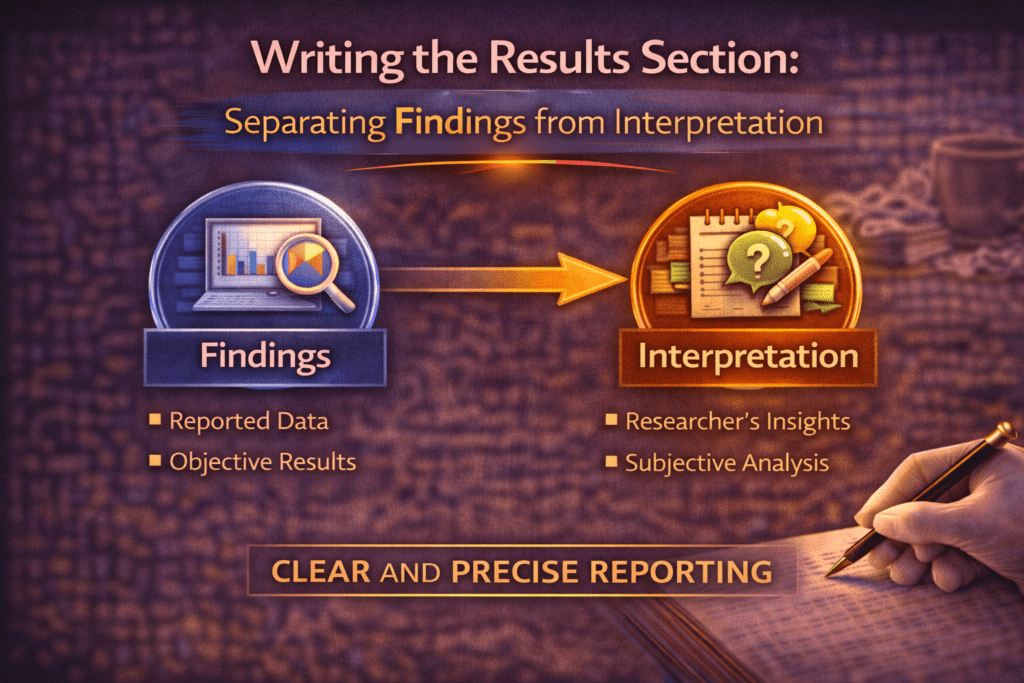
Writing the Results Section: Separating Findings from Interpretation
Cluster Post 6 | Module 4: Data Analysis and Presenting Results From Concept to Submission…
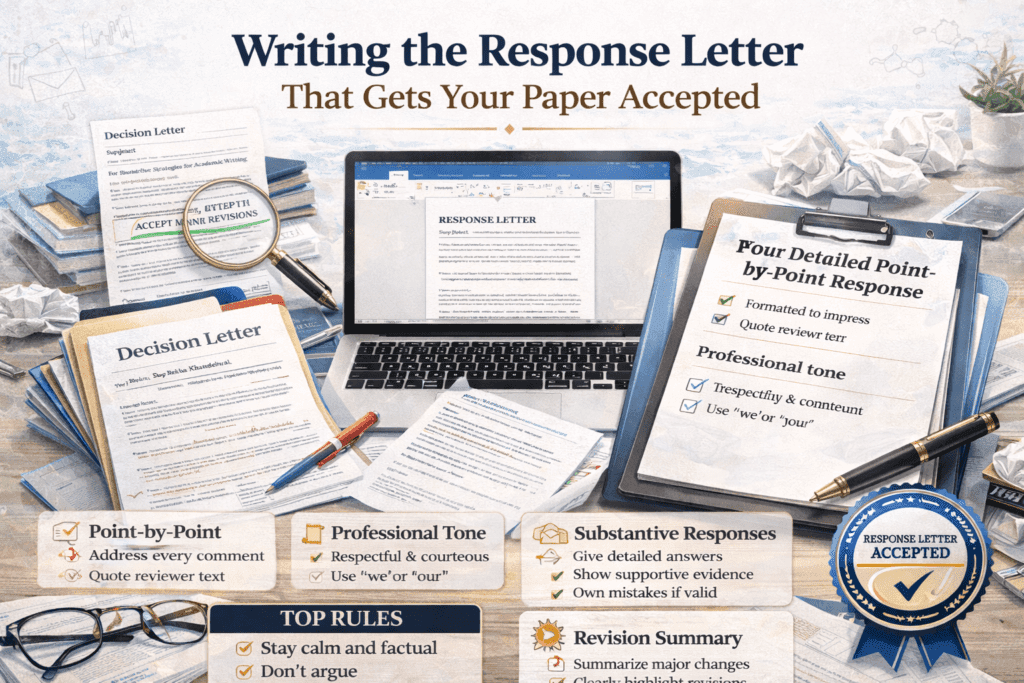
Writing the Response Letter That Gets Your Paper Accepted
Cluster Post 2 | Module 6: Peer Review, Responding to Feedback, and Publication Strategies From…
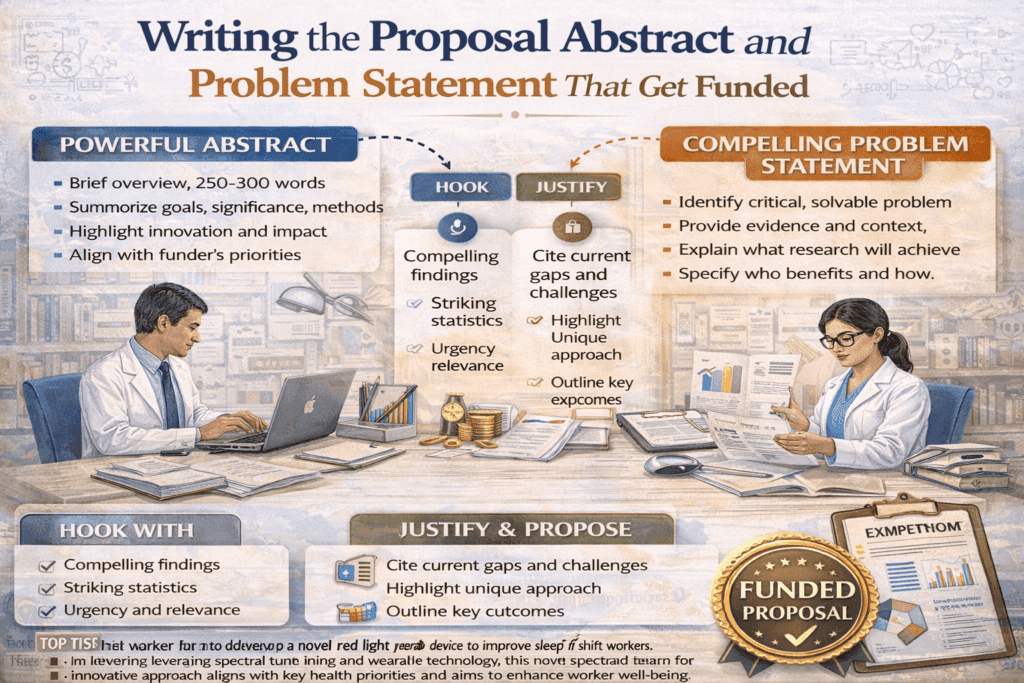
Writing the Proposal Abstract and Problem Statement That Get Funded
Cluster Post 2 | Module 8: Grant Writing and Research Funding From Concept to Submission…
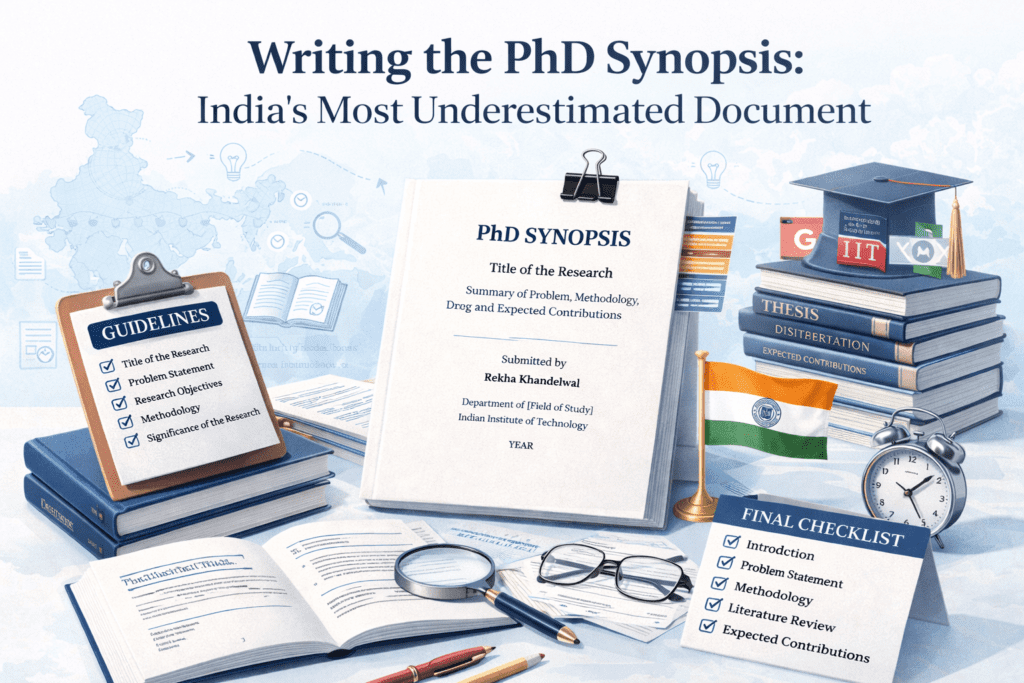
Writing the PhD Synopsis: India’s Most Underestimated Document
Cluster Post 6 | Module 5: Thesis Writing and Submission From Concept to Submission Series …
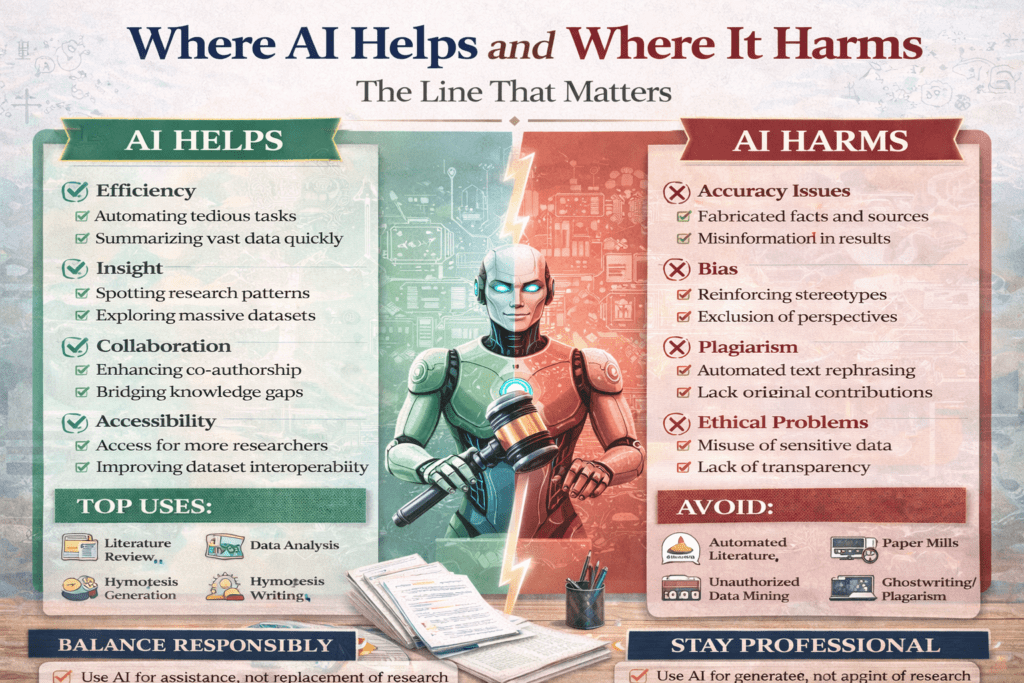
Where AI Helps and Where It Harms: The Line That Matters
Cluster Post 2 | Module 7: AI Tools in Academic Research — Opportunities, Ethics, and…