Last Updated: June 30, 2026
AI Tools Reviews
Most AI tools don’t fail because they’re bad. They fail because writers use them in the wrong part of the workflow — asking a writing tool to do research, or expecting a research tool to produce publishable prose.
This page is not a ranked list. It is a map of how different AI tools fit into different stages of real content work — built from testing across academic writing, legal content, SEO blogs, and social media at AspirixWriters. Each section links to a detailed review or comparison. The goal is not to tell you which tool is best. It is to help you figure out which tool belongs at which stage of your specific workflow.
There is no best AI tool in 2026 — only the right combination for the right workflow. Most writers who are disappointed with AI tools are using one tool for everything. Most writers who get consistent results are using different tools for different stages.
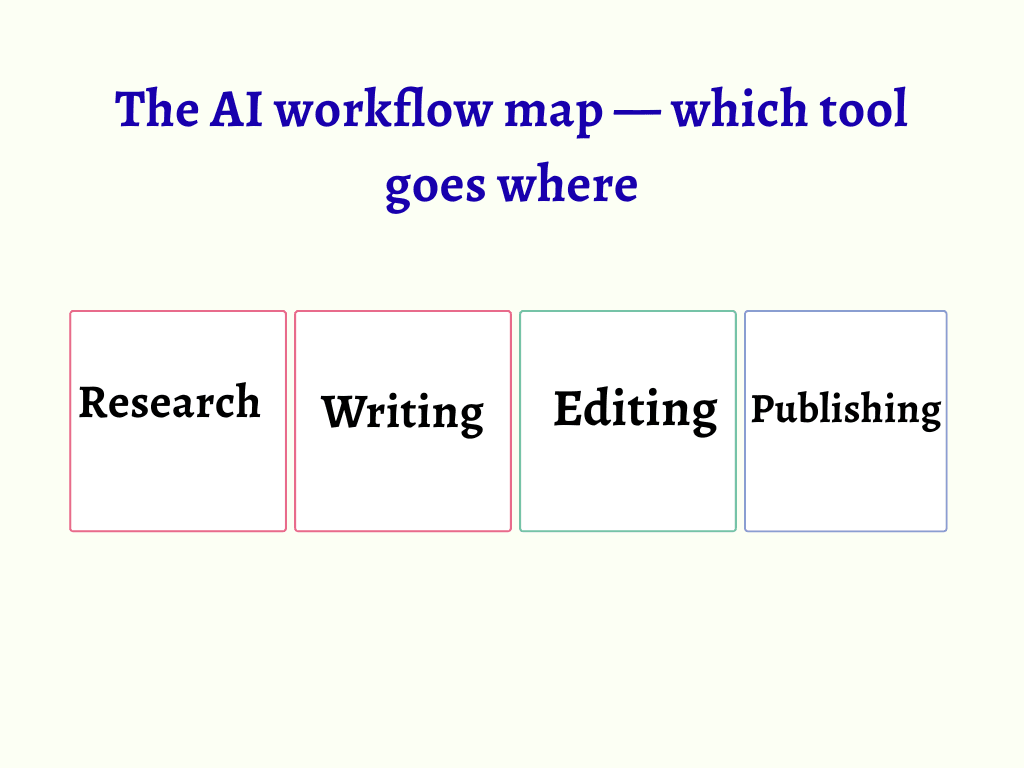
Research → Writing → Editing → Publishing
Stage 1 — Research tools: facts first, then writing
The most common mistake in AI-assisted content workflows is starting with a writing tool. Research comes first — and research tools are built for a fundamentally different job than writing tools. They find, verify, and surface current information with sources. They do not write prose.
Using a writing tool for research produces confident, well-structured content based on potentially outdated training data. Using a research tool first — then handing verified facts to a writing tool — produces content that is both faster and more accurate.
Perplexity AI — the research layer Start here
Real-time web search with clickable citations. Use it before any drafting begins — especially for regulated topics like legal, financial, or policy content where a 6-month-old answer can be materially wrong. It surfaces current sources. It does not write for you.
→ Perplexity AI Review 2026: Is It Really Better Than ChatGPT for Research?
Stage 2 — Writing tools: draft generation and structure
Writing tools are where most people start — and where most confusion about “which AI is best” originates. The answer depends entirely on what kind of writing and at what length. A 300-word social caption, a 1,500-word blog post, and a 15-page legal document require different tools even at this single stage.
The broad pattern: ChatGPT for speed and short-form variety, Claude for long-form precision and complex instructions, Jasper for high-volume structured marketing content. None of these replaces the others entirely. Understanding which one belongs on which task is what separates a working AI workflow from a frustrating one.
Writing tools — comparisons and reviews Core stage
Three major writing tools, each with a different strength. The comparison post covers all three on the same tasks. The individual reviews go deeper on specific use cases.
ChatGPT Vs Claude Vs Gemini: Which AI Tool Is Actually Worth It In 2026?
Jasper AI Review 2026: Is It Worth It For Bloggers And Marketers?
Best Free AI Writing Tools In 2026: Tested, Ranked & Honestly Reviewed
Stage 3 — Editing and readability tools: after the draft exists
Editing tools are the most misunderstood category in AI content workflows. Writers use Grammarly as a quality gate — a pass/fail check before publishing. That is the wrong mental model. Grammarly checks language correctness. It does not check whether the content has genuine expertise, specific examples, or a reason for a reader to trust the author. Those are human judgments that no editing tool evaluates.
The correct role for editing tools: consistency and readability checks on content that has already been validated for quality. They catch what slips through — passive voice accumulation, sentences that grew too long, punctuation inconsistencies across a long document. They do not replace the human editing pass. They follow it.
Editing tools — how they actually fit After human edit
Grammarly for consistency across long documents. Hemingway App for readability — target Grade 7–8 for most content, Grade 9–10 for academic. Originality.ai for AI detection before client submission or publication. Each tool serves a specific check — none of them serves as a substitute for editorial judgment.
→ How to Use AI to Write Blog Posts Faster — My Real Step-by-Step Workflow→ AI Content Writing vs Human Writing: What Google Actually Rewards
Stage 4 — Productivity and workspace tools: organising what you know
Workspace AI tools — primarily Notion AI — occupy a different position in the workflow from writing or editing tools. They are not content generators. They are context organisers. Their value is proportional to how much content already exists in the workspace they work within.
For writers who use Notion as their primary workspace for notes, research, and client briefs, Notion AI is genuinely useful for organising existing material into outlines before drafting begins. For writers whose work lives across email, Google Docs, and various client platforms, its value drops significantly.
Workspace tools — context, not content Organisation stage
Notion AI works best when used before drafting — to pull existing research into structured outlines. It does not replace writing tools. It makes the brief that writing tools receive more specific and useful.
→ Notion AI vs ChatGPT (2026): They Are Not Competitors – Here Is What That Means for You
How to choose the right tool – a practical framework
Most “how to choose an AI tool” guides are really “here is our ranked list” in disguise. This framework is different — it starts from the problem, not the tool.
Start from the problem — not the tool
| Need current, verified facts | Use Perplexity first. Verify sources directly. Build a fact brief before opening any writing tool. | Perplexity AI Review 2026: Is It Better Than Google For Research? |
| Need a long-form draft (1,000+ words) | Claude — holds context and complex instructions better than alternatives across long documents. | ChatGPT Vs Claude Vs Gemini: Which AI Tool Is Actually Worth It In 2026? |
| Need speed on short-form or variations | ChatGPT free tier — faster generation, more output variation, no ecosystem dependency. | Best Free AI Writing Tools In 2026: Tested, Ranked & Honestly Reviewed |
| Need high-volume marketing content | Jasper — structured templates reduce brief-to-draft time for teams producing 20+ posts per month. | Jasper AI Review 2026: Is It Really Worth $49/Month? (Honest Verdict) |
| Need readability and consistency check | Hemingway App (free) after human editing pass. Grammarly for documents over 1,000 words. | AI Tools Reviews: Real Testing, Comparisons & Honest Insights (2026) |
| Need to organise existing research into structure | Notion AI — if research already lives in Notion. Otherwise, manual outline is faster. | Notion AI Vs ChatGPT 2026: Which Productivity Tool Actually Wins? |
Why most AI tool lists fail — and what this page does differently
The AI tool list format — ten tools ranked by a score nobody explains — is the most common and least useful format for this topic. It answers “which tool is highest rated” when the useful question is “which tool solves my specific problem at my specific stage.”
- Lists compare tools. Real workflows combine them.
No single AI tool handles research, drafting, editing, and publishing equally well. A list that ranks them against each other produces a winner that does not exist in practice. A workflow that assigns each tool to its strongest stage produces consistent, publishable output.
2. Lists describe features. Real reviews describe failure modes.
A review that only lists what a tool can do is a marketing summary, not a review. The detailed reviews linked from this page each include a specific section on where the tool disappoints — because knowing when not to use a tool is as important as knowing when to use it.
3. Lists add complexity. Real workflows reduce it.
The writers who get the most from AI tools are not the ones using the most tools. They are the ones who have reduced their stack to a small set of tools, each assigned to a specific stage, used consistently enough to know their limits. More tools without a system produces more switching, more confusion, and paradoxically worse output.
Most AI tools don’t fail because they’re bad. They fail because they’re used without a system — at the wrong stage, for the wrong content type, without understanding the limitations that every tool has.
Frequently Asked Questions (FAQs)
Q. Which AI tool is best for beginners?
Start with two: Perplexity free (for research with sources) and ChatGPT free (for drafting). These two cover 80% of what most new writers need. Add Hemingway App for readability — it is free with no account. Do not add more tools until you have used these consistently enough to know exactly which limitation you are trying to solve.
Q. Do I need multiple AI tools?
Yes — but not many. The minimum effective stack for professional content work is three: one research tool, one writing tool, one editing tool. Each covers a different stage and a different type of failure. A single tool used for all stages will be strong at one stage and weak at the others, producing inconsistent output that requires more correction than a staged workflow would.
Q. Are free AI tools enough for real work?
For most individual writers and freelancers — yes, with patience. The free tiers of Perplexity, ChatGPT, and Hemingway cover research, drafting, and readability at no cost. Free tiers break down on high-volume, time-sensitive work — not on quality. Upgrade when a specific limitation is actively costing you time, not before.
Q. How do I know if an AI tool is actually worth paying for?
Run the free tier until you hit its limit on a real project — not a test. The limit you hit (word count, query count, context length, feature access) tells you exactly what you are paying to remove. Writers who upgrade without hitting a specific limit often find the paid version does not change their output quality — because the bottleneck was never the tool’s tier.
References (Trusted Sources)
- Google – AI & Business Solutions
https://business.google.com - OpenAI – Research & Tools
https://openai.com - UNESCO – AI Ethics
https://www.unesco.org/en/artificial-intelligence
About Author
Dr. Rekha Khandelwal is a certified expert in AI tools and academic content development, with a strong focus on leveraging platforms like ChatGPT, Claude, and Gemini for research and digital writing. With a Ph.D. in Law and specialized training in AI-driven content creation, she helps students, researchers, and professionals create high-quality, SEO-optimized, and impactful content.
Author Profile Dr. Rekha Khandelwal | Academic Writer, Legal Technical Writer, AI Expert & Author | AspirixWriters
Does The EU AI Act Apply To Indian Companies?| 2026 Guide
- Motivational, Creative & Ghostwriting
- Legal & Technical Writing Services
- Academic Writing Assistance
- Editing & Proofreading
- SEO Blogwriting Services
Classmate Pulse Spiral Notebook ✏️ Need a Spiral Notebook for Everyday Writing? A spiral notebook…
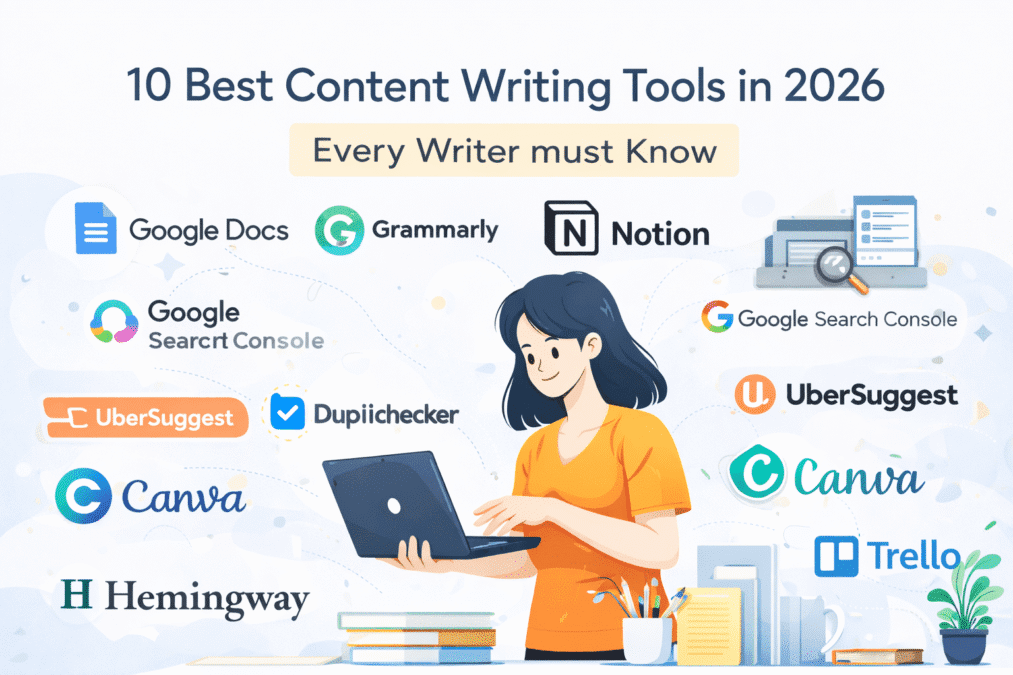
10 Best Content Writing Tools in 2026 Every Writer must Know
10 Best Content Writing Tools in 2026 How to Write Clear and Engaging Blog Introductions…
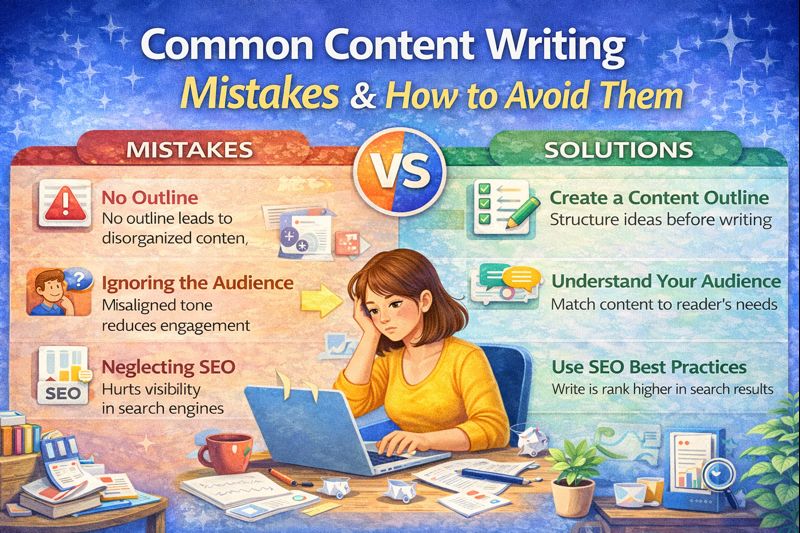
10 Common Content Writing Mistakes You Must Avoid in 2026
Common Content Writing Mistakes Content Writing Tips for Beginners Why Most Content Fails (And It’s…

10 Structural Mistakes That Get Research Papers Rejected — And How to Fix Every One
10 Structural Mistakes That Get Research Papers Rejected Module 1: Understanding the Structure of Research…

15 Best Free AI Tools Every PhD Student Needs in 2026
15 Best Free AI Tools for PhD Students 2026 Finding the best free AI tools…

5 New UPI Scam Trends in 2026: Stay Safe with the Latest RBI Guidelines
Your phone buzzes at 11 PM. An unknown number. You pick up — and hear…

7 AI Data Analysis Tools for PhD in 2026
AI Data Analysis Tools AI Research Revolution 2026: Complete PhD Workflow Guide A simple guide…
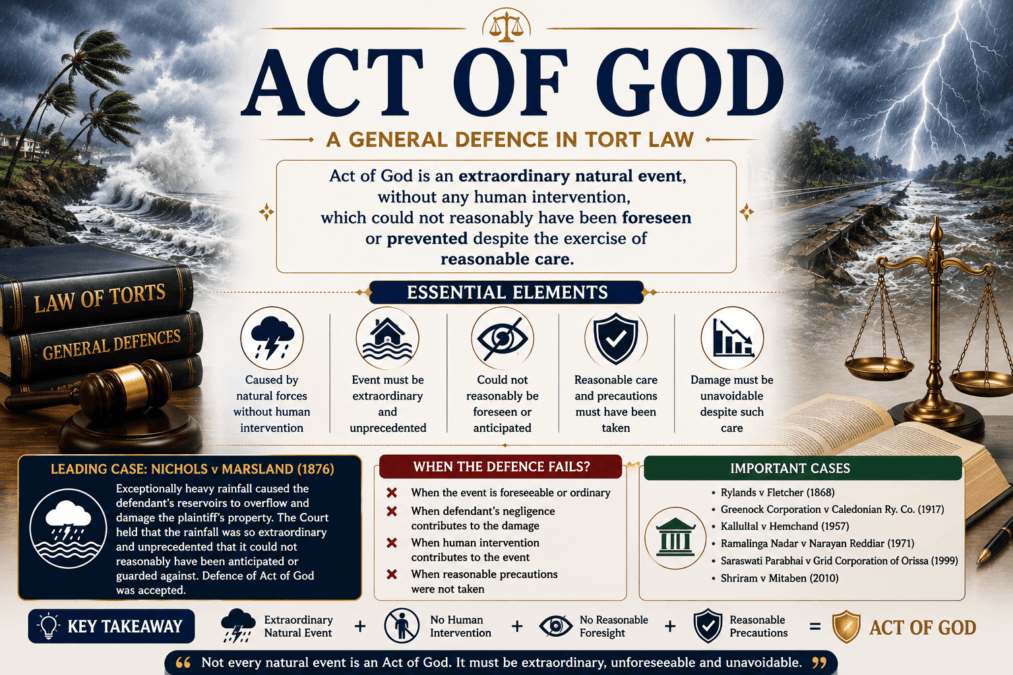
A General Defence Act of God in Tort Law
Act of God in Tort Law Law of Torts Notes General Defences in Law of…
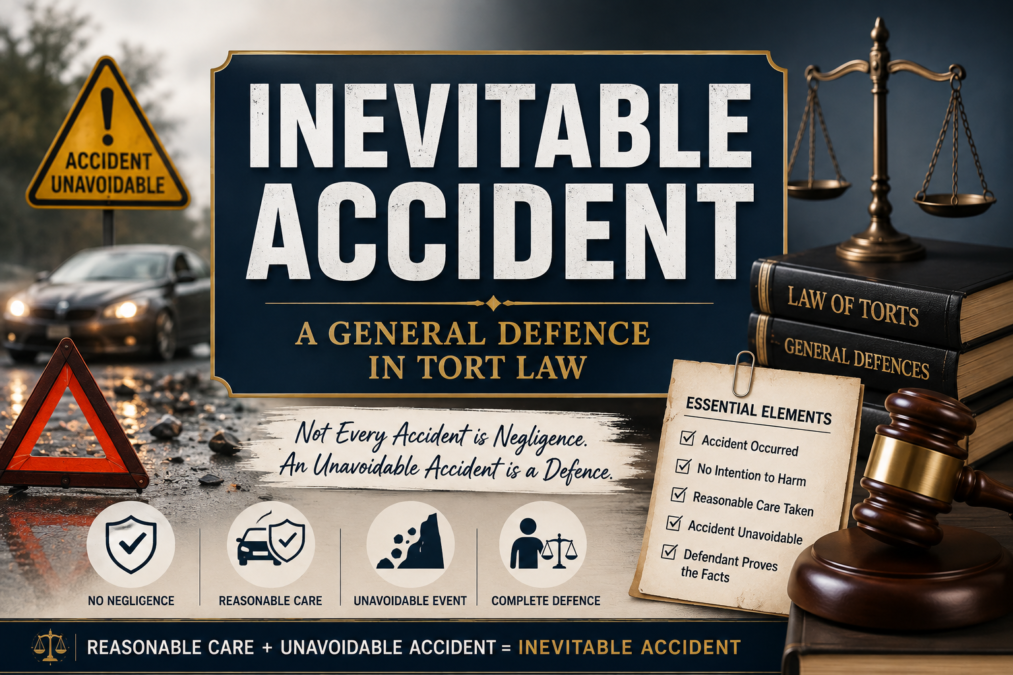
A General Defence Inevitable Accident in Tort Law
Inevitable Accident in Tort Law Law of Torts Complete Notes LLB General Defences in Law…

A General Defence Necessity in Tort Law
Law of Torts Notes A General Defence Act of God in Tort Law A General…
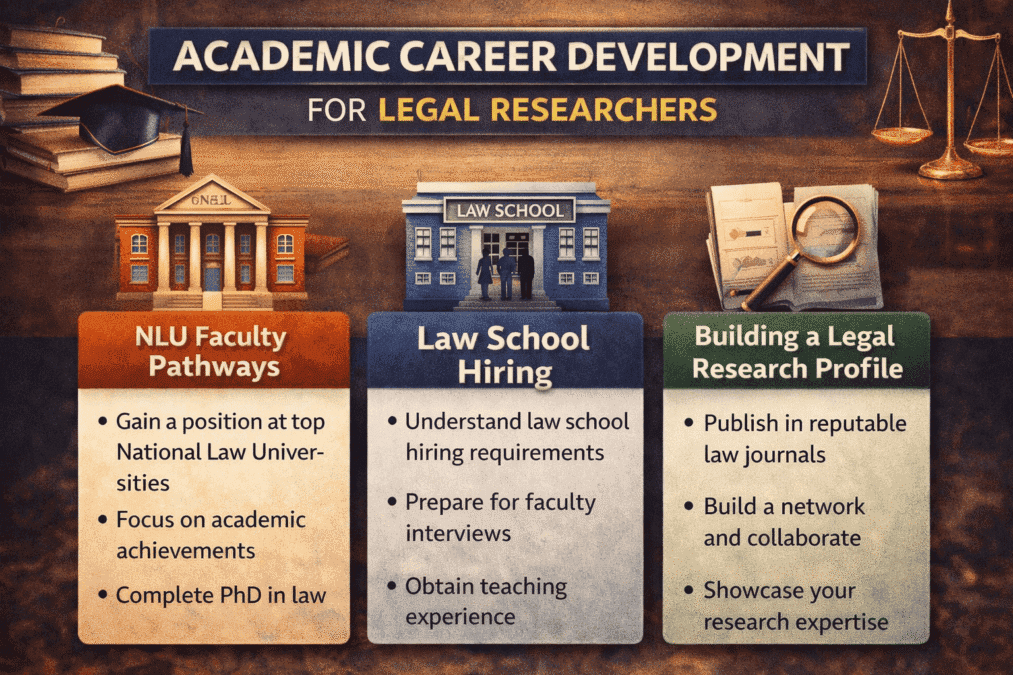
Academic Career Development for Legal Researchers
Academic Career Development for Legal Researchers: NLU Faculty Pathways, Law School Hiring, and Building a…